How to Connect Sonos to Record Player for the Best Audio Experience
Introduction
Vinyl records bring a nostalgic yet high-quality sound to music lovers. Combining this retro charm with the modern capabilities of a Sonos system creates a seamless and enriched audio experience. For music enthusiasts seeking to connect a record player to Sonos, this guide provides clear, actionable steps to highlight the warmth of vinyl with Sonos’s impressive features.
Understanding Your Equipment
Before connecting your record player to a Sonos system, it’s necessary to understand the essential equipment involved. This awareness ensures that you make informed choices, leading to superior sound quality during playback.
Compatible Sonos Speakers
Not all Sonos speakers are compatible with turntables. For a direct connection, the Sonos Five and Sonos Amp are ideal models as they have line-in capabilities necessary for linking external audio devices like record players.
Types of Record Players and Outputs
Turntables typically offer either RCA outputs or a built-in preamp for line-level output. Identifying your turntable’s output type is crucial since it determines how you will connect it to the Sonos system.
Importance of a Preamp
The preamp plays a vital role in amplifying the phono signal to a line-level output. If your turntable lacks a built-in preamp, you will require an external one to ensure that the audio signal is sufficiently strong for your Sonos setup.
Necessary Equipment for Connection
Once your equipment is identified, gather the essential tools needed for making the connection to enhance your setup.
Cables and Adapters Required
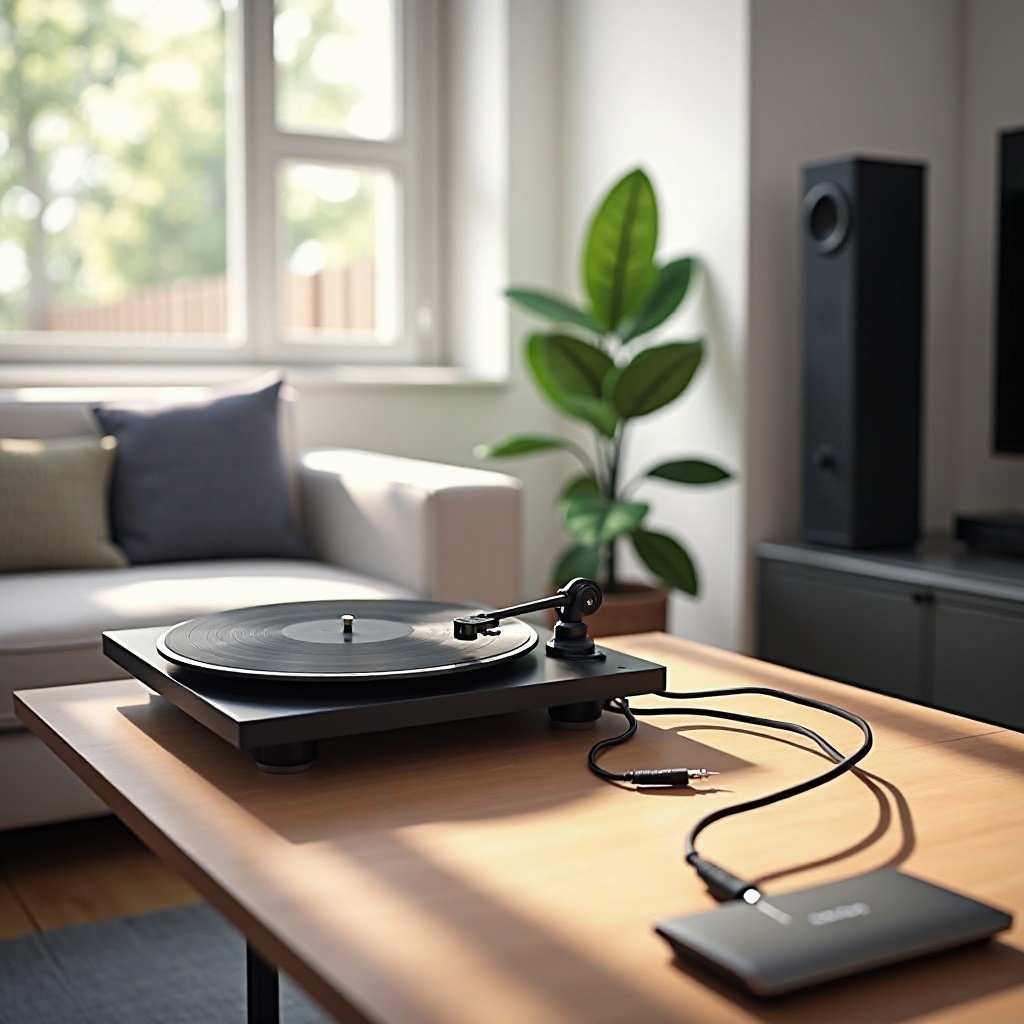
To establish the connection, you’ll need RCA cables and possibly a 3.5mm RCA adapter. These accessories connect your turntable to the Sonos line-in port, forming the bridge for audio playback.
Preamp Selection and Setup
For setups without a built-in preamp, an external preamp must be used. Simply connect the RCA cables from the record player’s output to the preamp input, and from the preamp output to the Sonos line-in.
Step-by-Step Connection Process
Equipped with the necessary components, you’re ready to connect your system physically and configure it for optimal performance.
Preparing Your Setup
- Start by powering off all devices including the turntable, Sonos speaker, and any preamp.
- Position the speakers and turntable for optimal acoustics in your space.
Physical Connection Instructions
- Use RCA cables to connect your turntable to the preamp input, if using an external preamp.
- From the preamp output, run another set of RCA cables to the Sonos speaker’s line-in port.
- Turn on each device and ensure they are operating properly.
Configuring the Sonos App
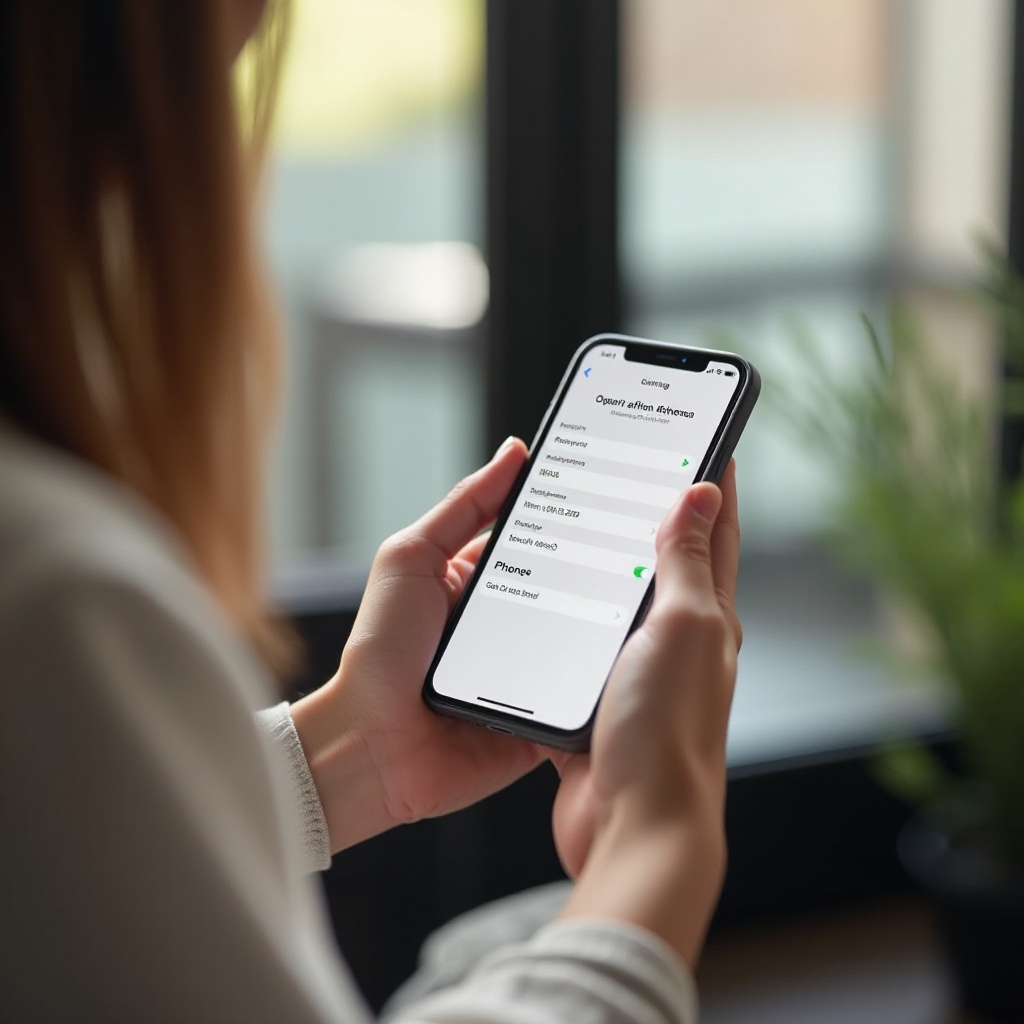
- Access the Sonos app on your mobile device.
- Go to ‘Settings’ and open ‘Room Settings’ for your connected speaker.
- Select ‘Line In’ and modify audio settings to achieve the desired sound quality.
Troubleshooting Common Issues
Setting up audio equipment can occasionally lead to challenges. Addressing these issues ensures you maintain quality sound and connectivity without interruption.
Sound Quality Problems
For sound issues, double-check all cable connections and confirm they are secure. It’s also important to refine preamp and Sonos settings to eliminate any audio distortion.
Connectivity and Lag Issues
Should lag occur, ensure your Wi-Fi connection is robust. Reposition your router or Sonos speaker to improve signal strength if needed.
Equipment Compatibility
Ensure your devices are compatible. Review manuals to verify your Sonos system and turntable integrate well and support your audio needs.
Enhancing Your Listening Experience
With your devices functioning, consider steps to further refine and enjoy your audio setup to its fullest potential.
Optimizing Audio Settings
Utilize the Sonos app to adjust audio levels and balance. A well-tuned audio environment enhances every listening session.
Using Sonos Features Like Grouping and Trueplay
Leverage advanced Sonos features such as speaker grouping for synchronized play in multiple rooms and Trueplay tuning to customize sound calibration to your room’s dynamics.
Conclusion
By successfully connecting your record player to a Sonos system, you unlock an extraordinary level of audio quality, marrying the classic warmth of vinyl with cutting-edge wireless technology. Follow the steps above to breathe new life into your music collection and relish the unmatched sound ambiance. Dust off your records and let the music play.
Frequently Asked Questions
Can I connect any record player to a Sonos system?
Most turntables can connect to Sonos systems with line-in ports, though an additional preamp may be necessary.
Do I need a special preamp for connecting Sonos and a record player?
If your turntable lacks a built-in preamp, an external one is required to boost the signal.
How can I improve sound quality when using Sonos with my record player?
Ensure connections are secure, use quality cables, and optimize settings within the Sonos app.