How Can I Connect to the Internet Without Wi-Fi?
Finding reliable internet access without Wi-Fi is essential in today’s interconnected world. Whether you’re faced with a Wi-Fi issue or exploring areas with limited Wi-Fi, there are several ways to stay connected. Let’s dive into these options to maintain your online presence.
Understanding Internet Connections Beyond Wi-Fi
While Wi-Fi has become ubiquitous, several reliable alternatives can offer equal or better performance. Understanding these alternatives ensures you can remain connected wherever you are, even in the absence of Wi-Fi.
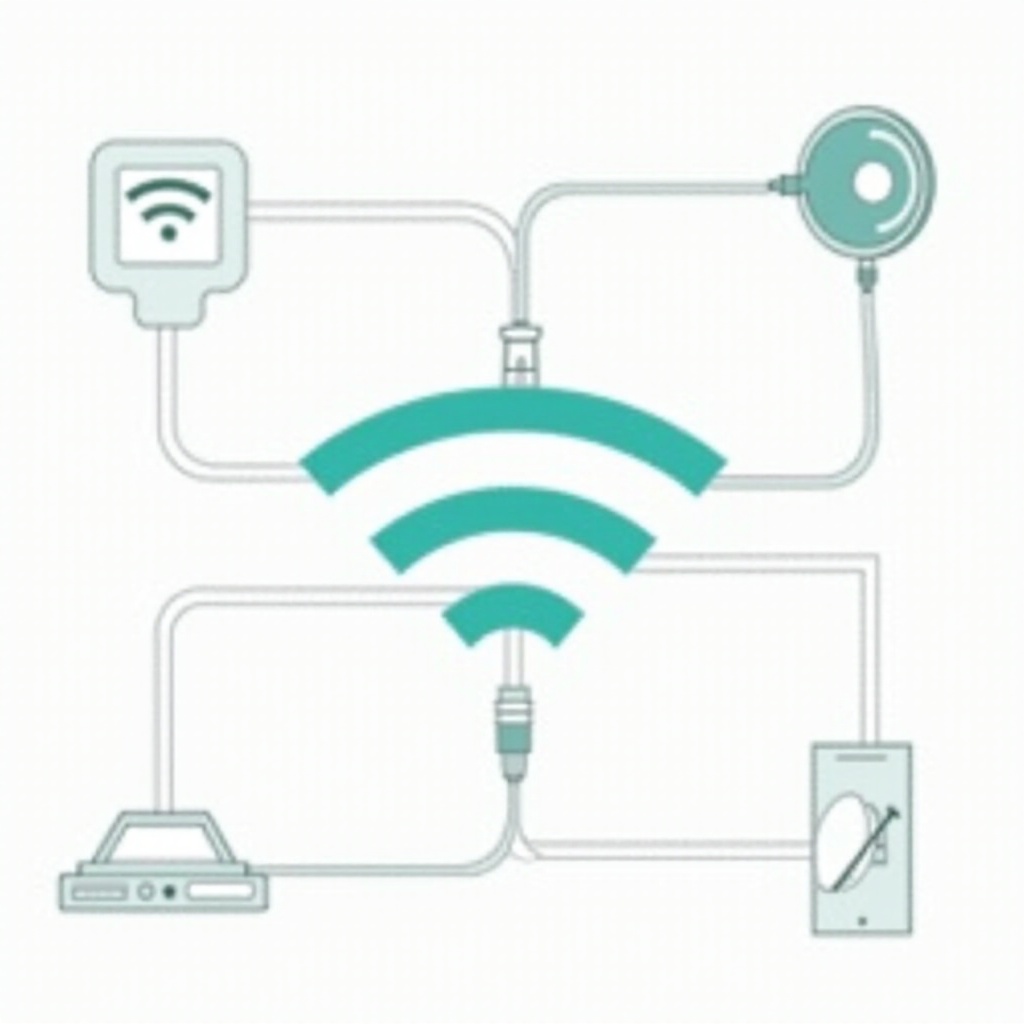
Ethernet Connection: A Dependable Wired Solution
Ethernet connections provide a stable internet experience without needing Wi-Fi. Here’s how to set up an Ethernet connection:
- Obtain an Ethernet cable and verify that your device has an Ethernet port.
- Plug one end of the Ethernet cable into your device and the other into your router or modem.
- Adjust your device’s network settings if necessary.
Ethernet connections deliver stable, high-speed internet, making them ideal when Wi-Fi isn’t available.
Mobile Hotspots and Tethering: Flexible Connectivity
When Ethernet isn’t feasible, utilizing mobile data as a hotspot or tethering option offers flexibility. You can easily access the internet on the go with these methods:
- Using Your Smartphone as a Hotspot:
- Navigate to your phone’s settings to set up a mobile hotspot.
-
Connect your devices through your phone’s cellular data.
-
USB and Bluetooth Tethering:
- For USB tethering, link your phone to a computer with a USB cable and enable tethering in your settings.
- Bluetooth tethering involves pairing your phone with a target device and enabling tethering.
These methods provide portable and seamless internet access on demand.

Satellite Internet: Connectivity in Remote Areas
Satellite internet is a dependable solution for locations without traditional internet offerings:
- Set up necessary satellite equipment, including a dish and modem.
- Choose a reliable satellite service provider.
- Once installed, access the internet even in remote areas.
Despite higher latency and weather dependency, satellite internet is invaluable in isolated regions.
Broadband Over Powerline: Wiring for Internet
Using broadband over powerline (BPL) technology, you can access the internet through your home’s electrical wiring:
- Install BPL adapters: Plug one into an outlet near your router and another where the device needing connection is located.
- Connect the device to the adapter with an Ethernet cable.
BPL combines the stability of wired connections with the convenience of existing infrastructure.
Utilizing Public Networks and Community Resources
Public networks offer temporary solutions for internet access outside your home:
- Local libraries and cafés often provide free internet.
- Co-working spaces offer network access in a professional setting.
Ensure security by using a VPN and avoiding sensitive activities on public networks.
Fixed Wireless Internet: Community-Based Solutions
For areas lacking traditional internet infrastructure, fixed wireless internet is a viable alternative:
- Seek out a local provider with comprehensive coverage.
- Install any required equipment, such as a small antenna.
Fixed wireless offers a stable, high-speed connection that bypasses physical connections.
Mesh Networks: Boosting Internet Coverage
Mesh networks extend connectivity throughout large spaces, eliminating dead zones:
- Position mesh devices strategically throughout the area to cover.
- Their intercommunication creates a seamless network.
This approach maximizes internet coverage in homes or offices with challenging layouts.

Conclusion
Exploring internet options without Wi-Fi reveals several effective alternatives. From mobile hotspots to satellite internet, being informed empowers you to maintain connectivity anywhere. Choose the method that best suits your situation and device needs.
Frequently Asked Questions
What is the most cost-effective way to connect to the internet without Wi-Fi?
Using mobile hotspots and tethering is cost-effective due to common inclusions in mobile plans, offering affordable short-term solutions.
Can I use a VPN with non-Wi-Fi internet connections?
Yes, a VPN can be used with non-Wi-Fi connections to enhance security, especially on mobile hotspots and public networks.
How secure are public non-Wi-Fi internet options?
Public internet options vary in security. Using a VPN and secure browsing practices can protect your data when using these networks.