The Ultimate Guide to Choosing Desktops for Video Editing in 2024
Introduction
Selecting the ideal desktop for video editing is crucial in improving workflow and ensuring smooth editing and rendering processes. This guide dives deep into key components you should consider, the best desktop choices for various needs, and whether to opt for a custom-built or pre-built option. By the end, you’ll have the clarity needed to choose the perfect desktop for your video editing endeavors.
Key Components of a Video Editing Desktop
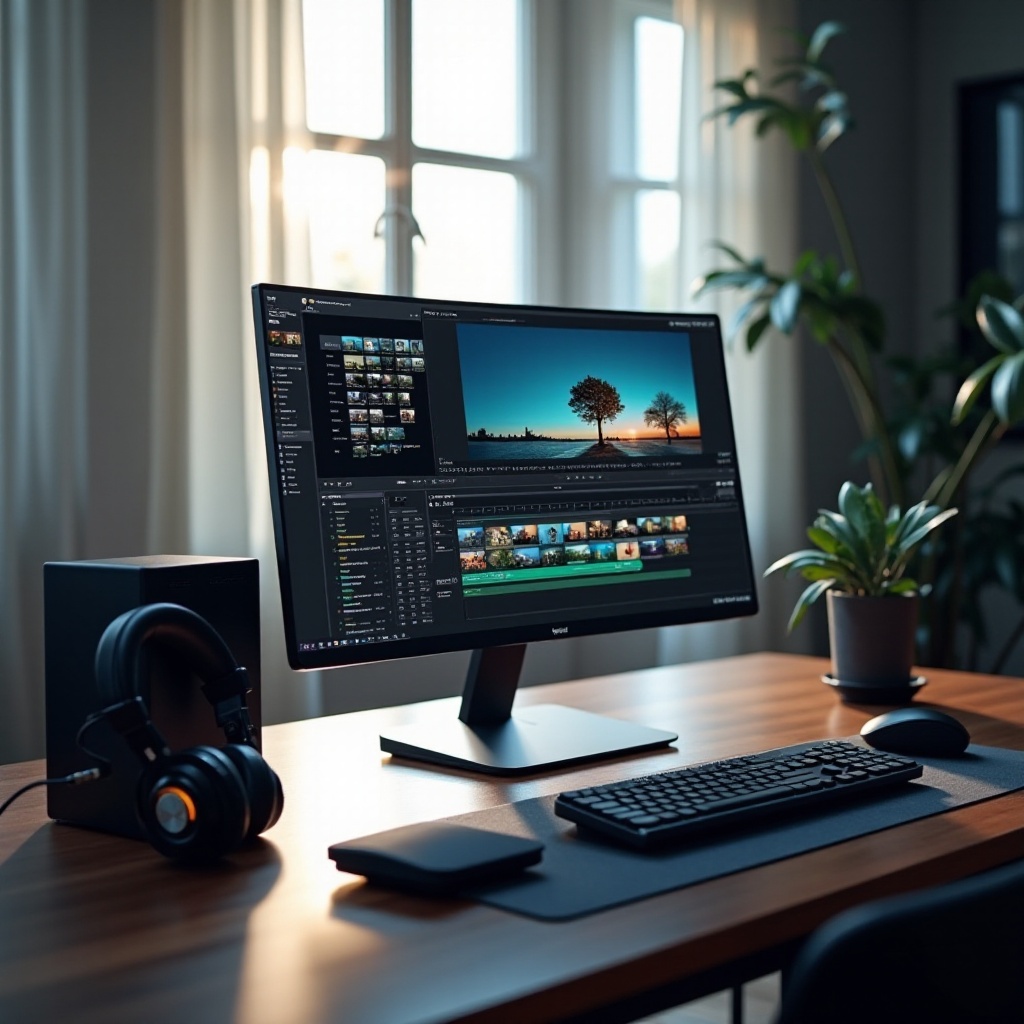
To achieve optimal performance in video editing, you must focus on the individual components that make up your desktop:
CPU: The Heart of Video Editing
The CPU processes and exports your video files efficiently. Favor processors with high core counts and swift clock speeds, like the Intel Core i9 and AMD Ryzen 9, for top-tier performance.
GPU: Ensuring Smooth Rendering
A robust GPU plays a critical role in rendering complex graphics and high-resolution playback. Choose models from NVIDIA’s RTX series or AMD’s Radeon RX for excellent graphics handling.
RAM: Multi-Tasking Powerhouse
Adequate RAM is essential to manage high-resolution files and multitask smoothly. While 16GB is a minimal starting point, 32GB or more is recommended for professional projects.
With these core components in mind, you’re ready to look at some top desktop recommendations for 2024.
Top Desktops for Video Editing in 2024
Different needs demand different desktops. Here are some top picks across various requirements:
High-End Powerhouses
- Apple Mac Studio: This desktop is widely recognized for outstanding performance with its M1 Ultra chip, making it ideal for complex video editing tasks.
- Dell XPS Desktop Special Edition: Featuring the latest from Intel and NVIDIA, this machine is tailored to manage extensive video editing with ease.
Best Value Mid-Range Options
- HP Omen 30L: Strikes a perfect balance between cost and performance with robust CPU and GPU specs.
- Lenovo Legion Tower 5i: Offers impressive capabilities at a mid-range price, catering to intermediate editing needs.
Budget-Friendly Choices
- Acer Aspire TC: An entry-level desktop, providing decent specs suitable for beginners stepping into video editing.
- Dell Inspiron Desktop: Offers reliable and affordable performance for basic video editing tasks.
Now that you’re familiar with top desktop options, the next decision is whether to go for a custom-built or a pre-built system.
Custom Built vs. Pre-Built Desktops
Choosing between a custom-built and a pre-built desktop depends on your priorities:
Advantages of Custom Builds
Building a desktop allows personalized selection of components to optimize performance within your budget. It also provides flexibility for future upgrades.
Benefits of Pre-Built Systems
Pre-built desktops offer convenience and often come with warranties, assuring stabilized performance. These are excellent choices for those who prefer a quicker setup.
After deciding on building or buying, several enhancements can further boost your desktop’s performance.
Enhancements for Optimal Performance
Once your desktop choice is made, consider the following enhancements:
Storage Solutions: SSDs vs. HDDs
Implement SSDs for rapid file access and program load times, crucial for editing. Use HDDs for archival storage to balance performance with capacity.
Monitor and Display Recommendations
Opt for a high-resolution monitor with excellent color accuracy. A 4K display offers the best visual experience for video editing.
Key Peripherals for Video Editors
Invest in quality peripherals such as a mechanical keyboard, ergonomic mouse, and external storage to enhance efficiency and comfort during long editing sessions.
Whether custom or pre-built, planning for the future is key.
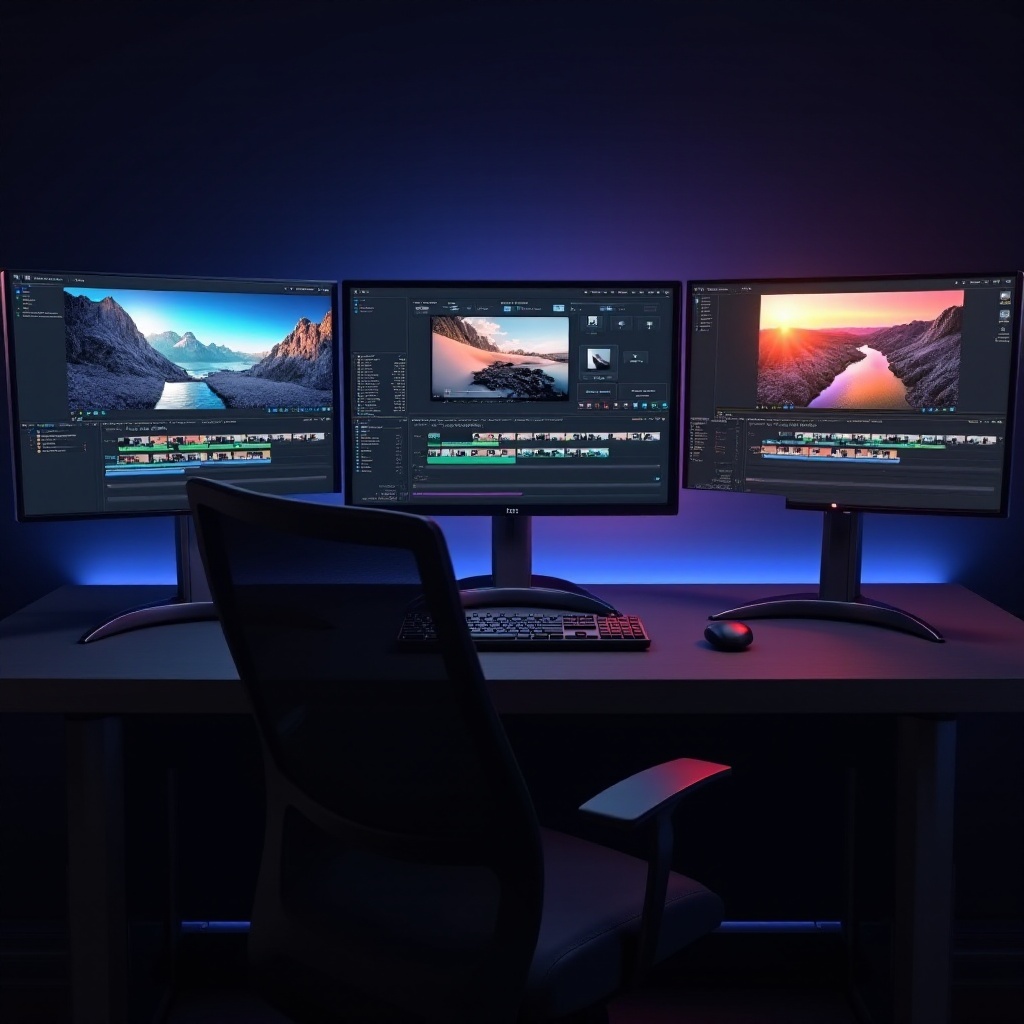
How to Future-Proof Your Video Editing Desktop
To keep your desktop relevant and efficient, consider these future-proofing strategies:
Upgrade Pathways
Choose components that can be easily upgraded, such as adding more RAM or storage. This approach extends the useful life of your desktop.
Cooling and Maintenance Tips
A good cooling system prevents overheating during intense sessions. Regular cleaning and software updates help maintain optimal system performance.
Conclusion
Selecting the right desktop for video editing involves evaluating vital components, understanding potential upgrades, and enhancing with appropriate peripherals. Assess your project’s needs and choose a setup that supports your creative ambitions effectively.
Frequently Asked Questions
What is the minimum RAM requirement for video editing desktops?
The minimum RAM requirement is 16GB, though 32GB or more is recommended for better performance.
Can gaming desktops be used for video editing?
Yes, gaming desktops often have powerful CPUs and GPUs, which are suitable for video editing.
Is it better to invest in a high-end CPU or GPU for video editing?
If you must choose, prioritize a high-end GPU for rendering and editing high-resolution content.