Top External Hard Drives for Mac or PC in 2024
Introduction
Managing data efficiently is crucial given the growing demands for storage across multiple devices. External hard drives provide a reliable solution to increase storage capacity, manage backups, and facilitate data transfer between Mac and PC systems. For professionals, students, and digital enthusiasts alike, selecting the right drive can make all the difference in efficiency and data security.

Why You Need an External Hard Drive for Mac or PC
External hard drives offer substantial benefits. They provide additional storage, ensuring you have plenty of space for important documents, photos, and videos. Serving as reliable backup options, they protect your data from hardware failure or accidental deletions. For those frequently transitioning between Mac and PC, using a compatible external drive simplifies accessing files across different platforms.
Moreover, portability is a significant advantage. You can carry your digital library wherever needed. With varied options available, understanding what suits your requirements best is essential, anchoring your decision in a well-informed understanding of your specific needs.
Key Features to Consider When Choosing an External Hard Drive
Choosing the right external hard drive involves understanding key features that affect performance and suitability.
-
Storage Capacity: Determine how much data you need to store. Options range from several hundred gigabytes to multiple terabytes. For large video files or extensive photo collections, opt for higher capacities.
-
Speed and Performance: This significantly depends on the drive type. Solid State Drives (SSDs) offer faster data transfer speeds compared to traditional Hard Disk Drives (HDDs), making SSDs ideal for tasks requiring high-speed operations.
-
Connectivity Options: Check that the drive supports your device’s ports. USB 3.0 and Thunderbolt ports are prevalent, offering rapid data transfers.
These features are pivotal when evaluating which model aligns best with your usage patterns. Collectively, they ensure you make a cost-effective, performance-oriented decision.
Types of External Hard Drives
Evaluating different types of external hard drives is crucial, as each offers unique benefits suited to varying needs.
-
HDD vs. SSD: HDDs use spinning disks to manage data. They generally offer more extensive storage at a reduced cost but operate slower and are more vulnerable to damage from movement. SSDs, however, contain no moving parts, delivering quicker speeds and greater durability, albeit at a higher price.
-
Portable vs. Desktop: Portable drives are designed for mobility, powered via USB, and compact. Desktop variants require external power sources, often offering more storage space for cost-effective rates per gigabyte.
These distinctions help tailor your choice to your intended applications, balancing factors like speed, cost, and storage.
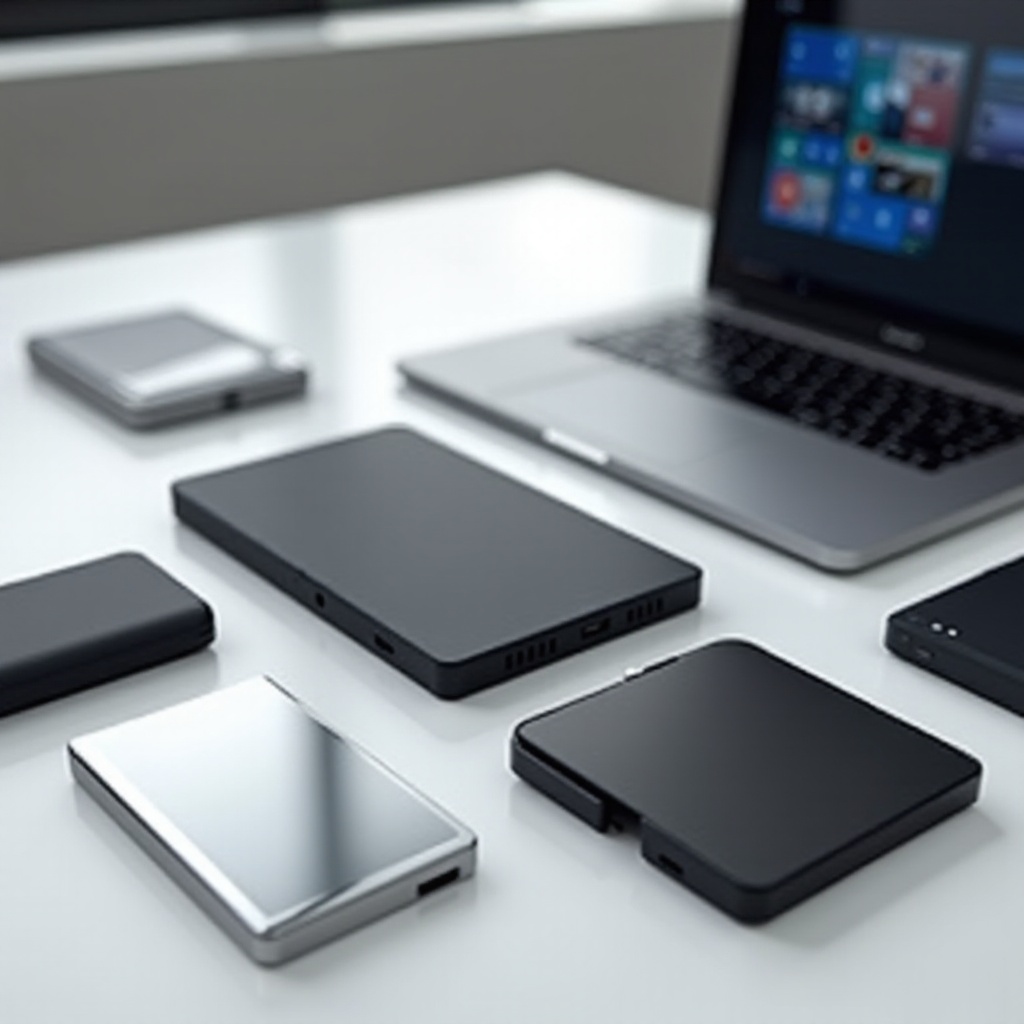
Compatibility and Connectivity Considerations
Optimizing performance and usability requires ensuring compatibility between both Mac and PC systems. Some drives may necessitate specific formatting to function properly across platforms.
-
Formatting for Mac and PC: The ExFAT format is widely recommended as it handles large files and is recognized by both Mac and PC platforms without issue.
-
USB vs. Thunderbolt: USB is more universally compatible and ample for most users. However, Thunderbolt offers superior speeds, suiting those in need of blistering performance.
Taking these connections into account as you select a drive ensures seamless operation across diverse devices.
Top External Hard Drives for 2024
With these considerations in mind, several models stand out, offering superior features and compatibility for both Mac and PC users.
-
Model X – Key Features and Benefits: Thanks to Thunderbolt 3 connectivity, Model X provides rapid speeds necessary for high-demand tasks. It’s ideal for professionals requiring peak system performance.
-
Model Y – Key Features and Benefits: This drive offers extensive storage at an affordable price, catering to users seeking an economical yet reliable storage solution.
-
Model Z – Key Features and Benefits: Designed for portability and speed, Model Z leverages SSD technology, suitable for users needing swift data access on the go.
Exploring the latest advancements, these models cater to varying preferences, solidifying their positions as leading choices in 2024.
How to Maximize Your External Hard Drive’s Performance
To fully benefit from your external hard drive, regular maintenance is essential. Follow these tips to enhance longevity and functionality:
-
Regular Maintenance: Periodically check for errors and defragment the drive if necessary to ensure optimal functioning.
-
Data Organization: Arrange files systematically to reduce access times and improve efficiency when retrieving specific items.
By adopting these practices, you ensure your drive remains a reliable companion, safeguarding your data and enhancing productivity.

Conclusion
External hard drives are vital tools in efficiently managing digital data. By understanding and prioritizing critical features, you can select a drive that meets your needs, offering convenience, speed, and security for your files. Whether speed, portability, or storage capacity is your priority, understanding the landscape of 2024 options will empower your data strategy, providing both peace of mind and optimized performance.
Frequently Asked Questions
How do I format an external hard drive for both Mac and PC?
To format for both systems, use ExFAT. It supports large files and works seamlessly on Mac and PC.
What should I do if my external hard drive is not recognized?
Check connections and power. Try a different USB port or cable. Use disk utility tools for troubleshooting.
How can I ensure the security of my external hard drive?
Encrypt sensitive data and backup regularly. Store the drive securely to prevent theft or damage.