The Best iPhone Portable Projectors of 2024: A Comprehensive Guide
Introduction
Selecting the best portable projector for your iPhone can enhance your viewing and presentation experience significantly. Whether planning an outdoor movie night or delivering a professional presentation, the right projector is a valuable tool. This guide covers critical features and top models of 2024 to help you make an informed choice.
What to Look for in an iPhone Portable Projector
Before diving into specific models, it’s important to understand what features make an exceptional projector. Look for the following qualities:
-
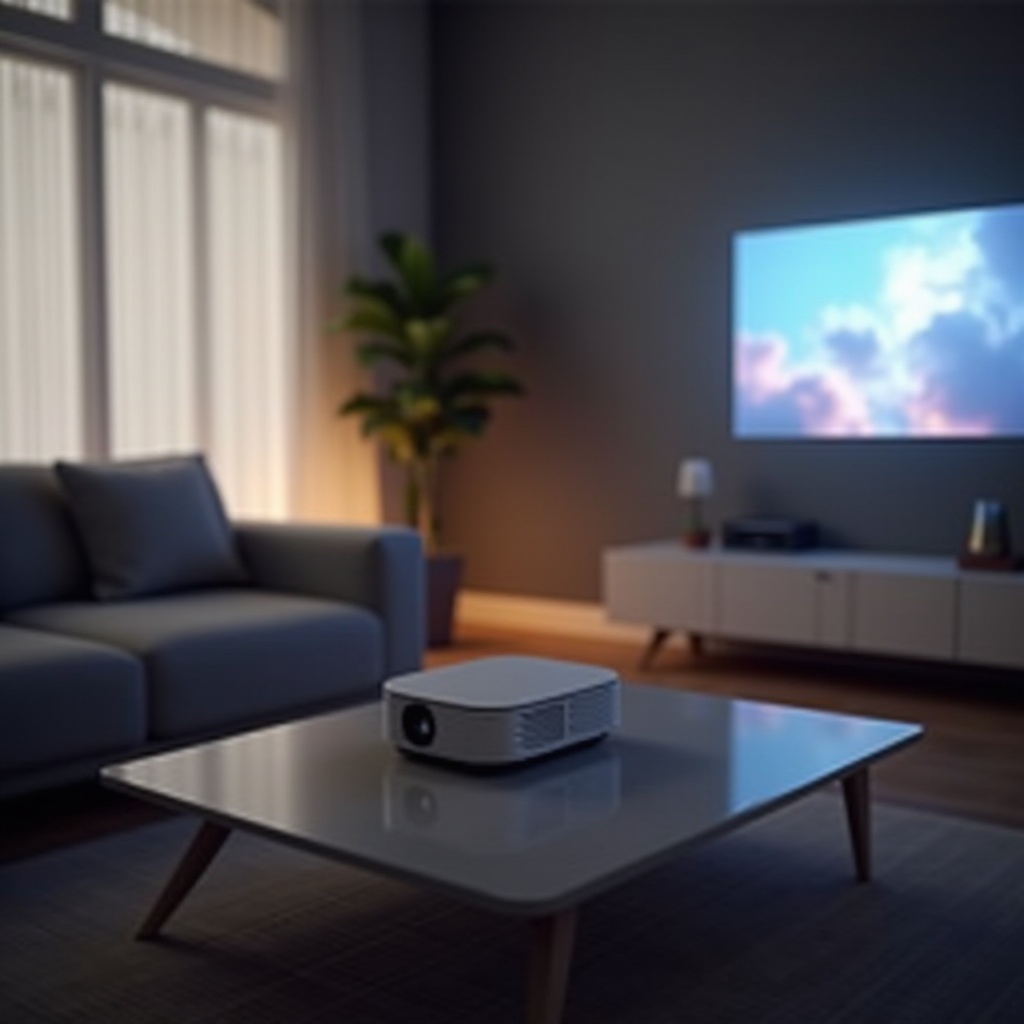
Portability and Size: A compact, lightweight design is crucial for a projector that you can easily carry anywhere. Ensure it fits conveniently in a backpack, adding to its practicality.
-
Image Quality: Aim for at least 720p resolution to ensure clear image quality, but 1080p is preferable for sharper visuals. Check the lumens rating too, as it affects brightness.
-
Battery Life: A decent projector should offer sustained performance. Look for models that provide at least two hours of battery life to cover full movie sessions.
-
Connectivity and Compatibility: Make sure the projector supports HDMI, USB, and wireless options like AirPlay for seamless iPhone integration.
Now that you know what to consider, let’s explore the leading iPhone portable projectors of 2024.
Top iPhone Portable Projectors of 2024
The market in 2024 offers a variety of excellent projectors. Here are some standout choices:
Anker Nebula Capsule Max
A favorite for many, the Anker Nebula Capsule Max estimates a perfect balance of size and function. Offering a 720p resolution and 200 ANSI lumens, it delivers vibrant images. It’s compact enough to be portable while providing various connectivity options, including HDMI, Bluetooth, and Wi-Fi. Its battery lasts up to four hours, ideal for extended use.
Kodak Luma 450
The Kodak Luma 450 stands out with its high 1080p resolution and 200 lumens, providing sharp images. Its slim profile enhances portability, fitting easily into bags. The projector also supports wireless mirroring, USB, and HDMI connections and offers about three hours of playback.
AAXA P400 Mini Projector
AAXA’s P400 Mini Projector impresses with its 1080p resolution and 300 lumens, ensuring clear, bright displays. Its compact design makes it easy to transport without sacrificing quality. HDMI, USB, and wireless connectivity options provide flexibility, and the battery supports about two hours of viewing.
ViewSonic M1 Mini Plus
For those seeking a lightweight option, the ViewSonic M1 Mini Plus offers portability with an integrated stand and swappable panels. While offering 480p resolution and 120 lumens, it’s suited for casual use. The model supports HDMI and Wi-Fi connections and runs for approximately 2.5 hours on a single charge.
Choosing any of these top models will cater to your specific requirements, whether for entertainment or professional use. Next, we will cover how to efficiently connect these projectors to your iPhone.
How to Connect Your iPhone to a Portable Projector
Connecting your iPhone with a portable projector is straightforward and varies depending on the connectivity options available. Here’s a breakdown:
- Wired Connection:
- Use a Lightning to HDMI adapter.
-
Connect the adapter to your iPhone, then connect an HDMI cable from the adapter to the projector.
-
Wireless Connection:
- For projectors supporting AirPlay, ensure both devices are connected to the same Wi-Fi network.
-
Select the projector from the AirPlay menu on your iPhone.
-
Bluetooth Pairing:
- Enable Bluetooth on both devices and follow the pairing procedure in the projector settings.
By understanding these connectivity options, you can quickly and efficiently set up your iPhone projector.
Benefits of Using Portable Projectors with Your iPhone
There are numerous advantages to using a portable projector with your iPhone:
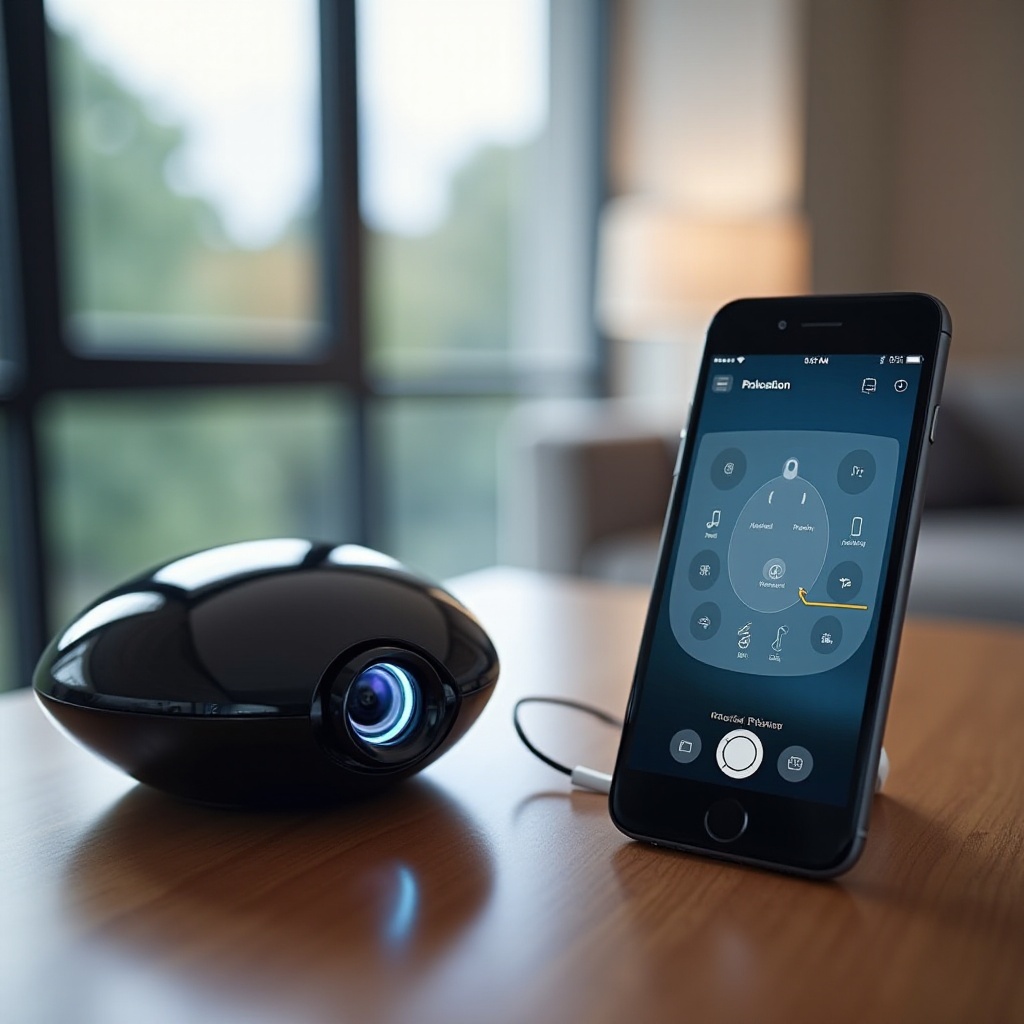
- Flexibility: Whether for casual movie nights or business presentations, these projectors provide versatility in numerous situations, expanding your iPhone’s functionality.
- Enhanced Viewing Experience: Enjoy large-screen projections that enhance visuals, making them more immersive than standard phone displays.
Embracing this blend of technology ensures you can maximize both the entertainment and utility aspects of your projector.
Conclusion
Choosing the right portable projector for your iPhone depends on your specific needs, but the models discussed here offer a range of options tailored for different uses. By focusing on key features like resolution, brightness, and connectivity, you can find a projector that enhances your digital media experience. Whether opting for the compact sophistication of the Anker Nebula Capsule Max or the power-packed AAXA P400, the right choice will truly elevate your iPhone’s capabilities.
Frequently Asked Questions
What is the ideal brightness for an iPhone portable projector?
A projector with at least 200 lumens is recommended for most indoor settings.
Can I connect my iPhone to multiple types of projectors?
Yes, most projectors support HDMI, USB, and wireless connections compatible with iPhones.
How can I improve the audio quality of my portable projector setup?
Consider using external speakers connected via Bluetooth or a 3.5mm audio jack for enhanced sound.