Best Motherboard for 2024: A Comprehensive Buyer’s Guide
Introduction
Selecting the right motherboard is pivotal for constructing a high-performance PC. Serving as the main circuit backbone, the motherboard links your CPU, RAM, and peripherals, impacting overall functionality and performance. Whether you’re a gamer, content creator, or building a budget model, this guide will steer you through the pivotal features, trusted brands, and the freshest trends in 2024 motherboards to ensure you make a smart investment.
Understanding Motherboards
Motherboards are vital components that facilitate communication between your computer’s critical parts. Knowing their types and functionalities helps in selecting a perfect match for your needs.
What is a Motherboard?
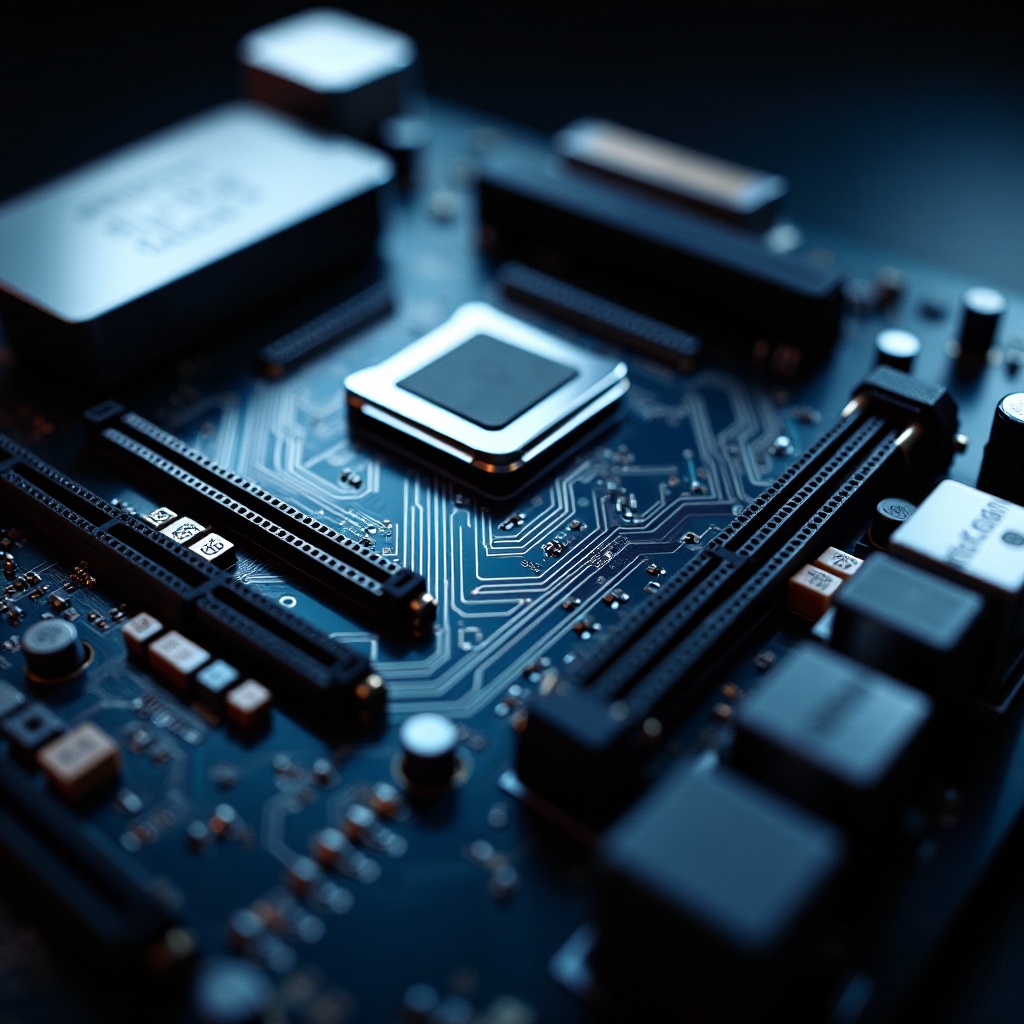
A motherboard is a central printed circuit board (PCB) in most computers and provides the electrical pathways for communication between components. It hosts the CPU, RAM modules, and expansion cards, acting as the nervous system of your PC.
Types of Motherboards: ATX, Micro ATX, Mini ITX
Motherboards come mostly in ATX, Micro ATX, and Mini ITX formats. ATX boards are full-sized, providing extensive expansion slots for advanced setups, making them ideal for gamers and professionals. Micro ATX is more compact, balancing performance with size. Mini ITX is the smallest and great for space-conscious setups, offering limited upgradability.
Choosing the right motherboard size ensures your components fit comfortably and perform optimally.
Key Features to Consider Before Buying
Different motherboards offer various features. Prioritizing these ensures compatibility and future-proofing for your build.
CPU Compatibility and Socket Types
Before buying, verify that the motherboard supports your CPU’s socket. Intel’s LGA1200 and AMD’s AM4 are standard in 2024. Matching these ensures your CPU fits perfectly without issues.
RAM Support and Expansion Slots
Check the maximum RAM capacity and number of slots available. Opt for boards that support DDR5 and higher memory speeds for enhanced performance. More slots mean more flexibility for future upgrades.
Connectivity Options: USB Ports, WiFi, Ethernet
Connectivity features are essential for performance. Look for USB 3.2, Thunderbolt 4 compatibility, WiFi 6 or 7 capabilities, and gigabit Ethernet connectivity for an all-rounder motherboard.
By focusing on these features, you ensure that your motherboard will meet current and future technology demands.
Top Motherboard Brands in 2024
Several brands dominate the motherboard market with their reliability and innovation. They offer products catering to various user needs while maintaining quality.
ASUS: Cutting-Edge Innovation
ASUS continues to lead with its innovative designs, particularly its ROG series, which is favored by gamers for top-notch performance and innovative cooling solutions.
MSI: Performance Meets Reliability
MSI offers motherboards known for their reliability and outstanding performance, ideal for creative professionals and gamers. Their MPG series offers robust features suitable for demanding tasks.
Gigabyte: Balancing Performance and Cost
For those middle-ground enthusiasts, Gigabyte provides excellent quality without breaking the bank. Their AORUS models offer a good mix of features at competitive prices.
Leaning on reputable brands is a safe bet in ensuring your PC build is reliable and future-proof.
Best Motherboards for Specific Needs
Choosing a motherboard based on your computing needs is vital for maximizing your system’s potential.
Gaming Enthusiasts: ASUS ROG Strix Z790-F Gaming
The ASUS ROG Strix Z790-F is designed for intense gaming. It includes high-end graphics support and advanced cooling, ensuring an incomparable gaming experience.
Content Creators: MSI Creator Z790
MSI’s Creator Z790 is tailored for demanding content creation, offering excellent multicore support for rendering, editing, and multitasking.
Budget Builders: Gigabyte B760M DS3H
For budget-conscious builders, the Gigabyte B760M DS3H offers essential features for everyday computing, maintaining a balance between cost and functionality.
Picking a motherboard aligned with your purpose ensures you invest wisely and get the most from your machine.
Latest Trends and Innovations in 2024 Motherboards
Staying updated with the latest trends helps tailor your build to meet both current and forthcoming tech landscapes.
PCIe 5.0 and DDR5 RAM Support
The inclusion of PCIe 5.0 significantly enhances data transfer speeds, beneficial for gamers and high-output tasks. DDR5 RAM support further enhances overall system speeds and efficiency.
Integrated Wi-Fi 7 and Thunderbolt 4
Wi-Fi 7 offers higher speeds and better reliability, crucial for modern applications. Thunderbolt 4 integration allows for fast data connectivity, supporting various external devices efficiently.
Understanding these advances ensures that your PC build remains robust and ready for future technology.
Tips for Building Your PC with Your New Motherboard
Correct installation and setup maximize your motherboard’s longevity and performance capability.
Ensuring Compatibility with Other Components
- Check your existing components to ensure compatibility with your new motherboard.
- Familiarize yourself with BIOS updates to maintain system stability.
Installation Tips and Best Practices
- Handle components cautiously to avoid static discharge.
- Secure all components and cables properly to avoid any damage during operation.
- Follow the manufacturer’s guidelines for a seamless installation experience.
With these tips, your build process will be smooth, efficient, and free from potential errors.
Frequently Asked Questions
How do I know if a motherboard is compatible with my CPU?
Check the socket type in the motherboard’s specifications and match it with your CPU model’s socket type.
Can I upgrade my motherboard without changing other components?
Yes, you can upgrade, but ensure the new motherboard supports your current CPU, RAM, and peripherals.
What is the importance of a motherboard’s form factor?
The form factor affects the motherboard’s size and layout, determining compatibility with cases and potential expansion options.