The Ultimate Guide to Uninterruptible Power Supply Reviews for Computers
Introduction
Uninterruptible power supplies (UPS) are crucial in safeguarding your computer against unexpected power disruptions. A UPS provides a reliable source of backup power, protecting your data and hardware from potential damage. In this guide, we will explore the best UPS models available in 2024, offer guidance on selecting the right unit for your needs, and share essential tips on installation and maintenance.
What is an Uninterruptible Power Supply?
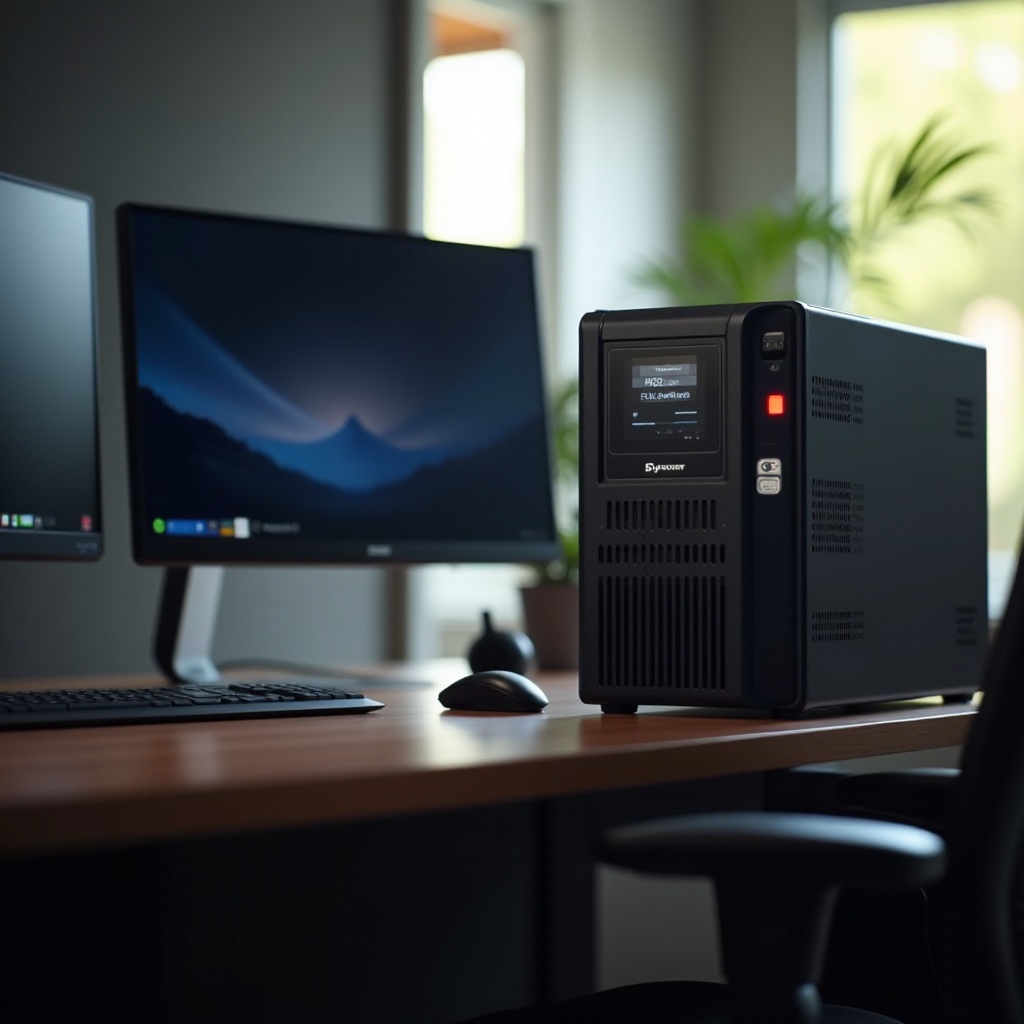
An uninterruptible power supply, or UPS, is a device that provides backup power during electrical outages by utilizing a battery. It not only ensures the continuity of operation for connected devices but also protects them from voltage spikes and fluctuations. Key components of a UPS include the battery, surge protector, and inverter, which work together to maintain a stable power supply.
Choosing the right UPS can significantly prevent data loss and protect your equipment from electrical anomalies. With an understanding of what a UPS is and how it functions, let’s delve into the latest models available.
Top Uninterruptible Power Supplies for Computers in 2024
In reviewing UPS options, performance, reliability, and features play a significant role. Here are the top UPS models to consider this year:
APC Back-UPS Pro 1500VA
The APC Back-UPS Pro 1500VA is well-regarded for its dependable battery capacity and robust surge protection features. It includes automatic voltage regulation to ensure consistent power delivery and features a user-friendly LCD interface for monitoring.
CyberPower CP1500PFCLCD
The CyberPower CP1500PFCLCD is a highly efficient UPS that combines battery backup with surge protection in a compact design. It is equipped with a multifunction LCD for easy status monitoring and includes energy-saving technology.
Tripp Lite AVR750U
The Tripp Lite AVR750U offers reliable performance with its automatic voltage regulation and battery backup capabilities. Suitable for both home and office, it comes with six surge-protected outlets and an audible power event alarm.
These models provide a blend of efficiency, reliability, and specific features aimed at securing your computer system during power outages. With these options in mind, understanding selection criteria and installation techniques becomes pivotal.

How to Choose the Right UPS for Your Computer
Selecting the appropriate UPS involves considering the following factors to meet your unique requirements:
-
Capacity: Calculate the load capacity by adding up the wattage of all devices to be connected. Select a UPS with a capacity at least 20% higher than the total for optimal safety.
-
Surge Protection: Ensure the UPS offers strong surge protection capabilities to prevent power spikes from damaging your system. Opt for a model with a high joule rating.
-
Form Factor: Select a form factor that suits your available space, considering the design and size of the UPS unit.
-
Line Interactive vs. Standby: Choose between line-interactive models that handle frequent voltage changes better and standby models, depending on your power stability needs.
Now that you know what to consider when choosing a UPS, installing and maintaining your device properly will ensure continuous protection for your computer system.
Installation and Maintenance Tips for Your UPS
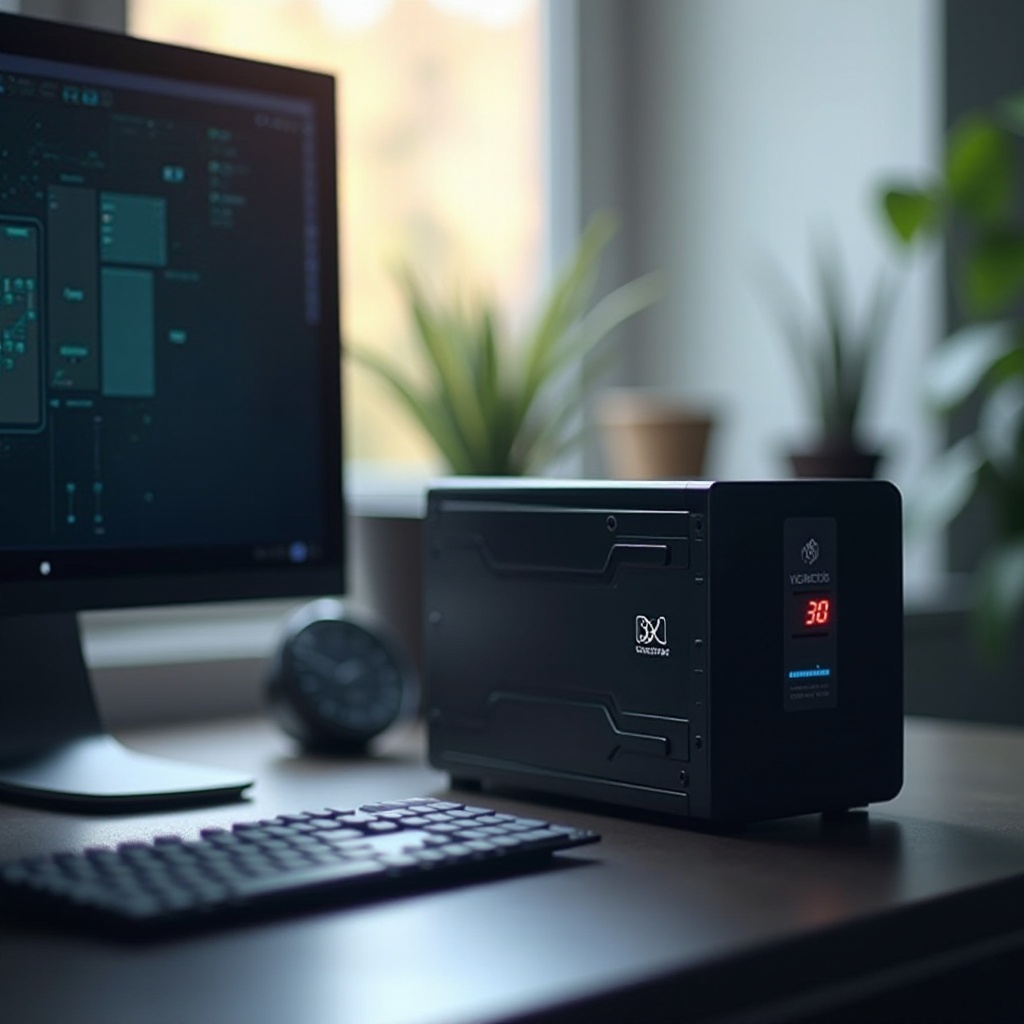
Effective installation and regular maintenance are vital for maximizing the lifespan and performance of your UPS:
- Proper Installation for Optimal Performance
- Position the UPS in a well-ventilated, cool, and dry location.
- Ensure connected devices do not exceed the load capacity of the UPS.
-
Connect critical components such as the CPU and monitor to the battery-backed outlets.
-
Regular Maintenance Checks
- Periodically test the battery to verify its functionality during outages.
- Replace batteries according to manufacturer recommendations and monitor performance.
- Keep the UPS clean and free of dust to enhance longevity.
By following these steps, your UPS will deliver reliable power supply protection over time. Let’s conclude our discussion with a recap of the essential points.
Conclusion
Investing in an effective uninterruptible power supply is an essential move to protect your computer and valuable data from unexpected power disruptions. The highlighted models—APC Back-UPS Pro 1500VA, CyberPower CP1500PFCLCD, and Tripp Lite AVR750U—each provide reliable performance tailored to a variety of computing needs. Combining informed selection with proper installation and maintenance will ensure that your computer remains safeguarded against electrical issues.
Frequently Asked Questions
How long does a UPS typically last?
A UPS generally lasts 3 to 5 years, influenced by usage and maintenance. Regular testing and battery replacements can extend its lifespan.
Can a UPS protect my computer from lightning strikes?
Yes, a UPS with surge protection can shield your computer from lightning-induced power surges, preventing electrical damage.
What is the difference between a UPS and a surge protector?
While a surge protector defends against voltage spikes, a UPS also provides battery backup during power outages, offering comprehensive electrical security.