Best Routers for Under 100 Dollars
Introduction
Finding the perfect router under $100 can feel daunting. With technology rapidly advancing, striking a balance between cost and performance is now achievable. Affordable routers now offer features such as robust security, impressive speed, and reliable coverage, making them an ideal choice for budget-conscious consumers. This guide covers the top options available in 2024, ensuring you find exceptional value and performance.
Why You Need a Good Router
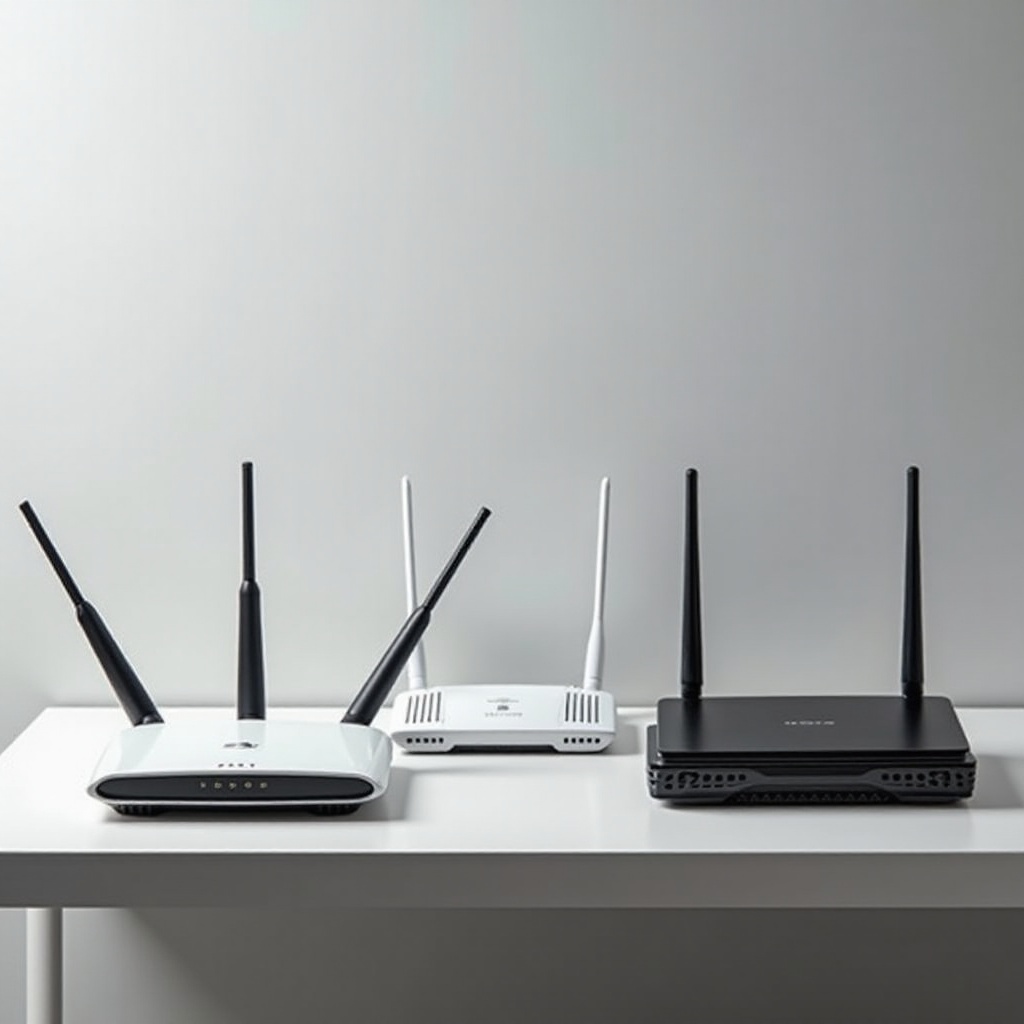
A quality router is essential for maintaining a seamless and efficient online experience, especially when streaming, gaming, or working from home. Reliable internet isn’t a luxury; it’s a necessity. Investing in a good router enhances your connectivity, offering reduced lag and improved stability. While many options exist, understanding what truly matters in a router is crucial in making an informed decision.
Importance of Reliable Internet
Reliable internet affects everything from video calls to smart home devices. A poor router can result in dropped connections and slow speeds, causing frustration. A well-chosen router ensures your home network handles multiple devices effortlessly, enhancing productivity and entertainment alike.
Cost vs. Performance Considerations
Contrary to popular belief, a higher price tag doesn’t always mean better performance. The current market offers budget-friendly routers that provide excellent service. Before opting for an expensive model, assess your actual requirements: What activities dominate your internet usage—streaming, gaming, or casual browsing? Prioritizing these aspects prevents needless expenditure.
Essential Features to Look for in Budget Routers
Evaluating routers under $100 involves focusing on specific features crucial for efficient operation. Knowing which specifications to prioritize can lead to a smart purchase.
Speed: Types and Mbps
Speed is a critical factor when choosing a router. Opt for models supporting at least 300 Mbps to satisfy common needs. Check for dual-band operation, offering 2.4GHz for broader coverage and 5GHz for high-speed activities, ensuring versatile usage.
Range and Coverage Area
Router range is heavily influenced by your home layout. Single-story homes may require less extensive coverage than multi-story buildings. Designs with external antennas often provide superior range and allow adjustment for optimal direction.
Security Features: WPA3, Firewall
Never overlook security when selecting a router. Ensure compatibility with WPA3, the latest standard for secure access. Firewalls add another layer of defense, protecting your network from external threats and unauthorized access.
Top Routers Under $100 in 2024
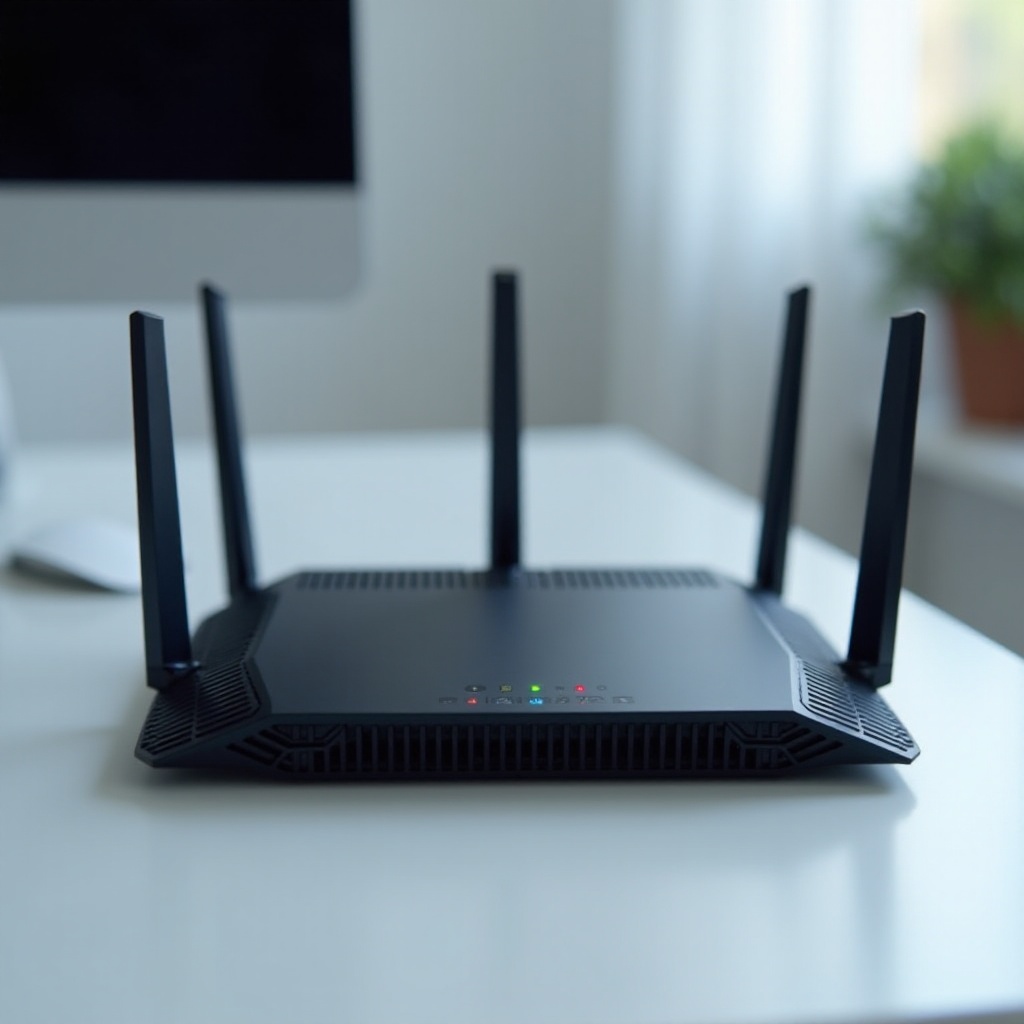
The market brims with options, yet some routers stand out due to their excellent blend of price and performance.
Router 1: Best Overall Performance
This powerful contender for overall performance delivers excellent speed and coverage. Incorporating innovative technology, it features an intuitive setup process and robust security. The downside might include limited tech support, but its value is undeniable for most households.
Router 2: Best for Streaming
If streaming is your focus, Router 2 efficiently handles high-definition content. It prioritizes video traffic, ensuring minimal buffering and superior quality. Setup may present challenges for novices, but once operational, it offers a smooth experience.
Router 3: Best for Large Homes
Ideal for larger spaces, Router 3 excels in range without sacrificing speed. Featuring multiple external antennas and mesh capabilities, it suits large households. Its considerable size may require more careful placement consideration.
Tips for Maximizing Router Performance
After securing a purchase, optimal router performance relies on strategic use and maintenance.
Optimal Placement
Placement is key for coverage. Set your router in a central, elevated location, away from walls and metal objects. Experimenting with different positions helps identify the optimal spot.
Regular Firmware Updates
Manufacturers routinely release firmware updates to improve performance and security. Keep your router’s firmware updated by checking manually or enabling automatic updates, ensuring you benefit from the latest enhancements.
Managing Connected Devices
Numerous connected devices can strain bandwidth. Prioritize essential gadgets and limit connections during demanding tasks for optimal performance. Setting up Guest Wi-Fi for visitors helps protect primary bandwidth.
Conclusion
Choosing a budget-friendly router doesn’t mean compromising on quality. By concentrating on critical features, assessing your specific needs, and considering our top recommendations, you’ll enjoy a reliable internet experience that doesn’t strain your budget. As technology progresses, staying informed on feature updates and enhancements ensures your network remains robust and efficient.
Frequently Asked Questions
What should I look for when choosing a budget router?
Focus on essential features such as speed, range, and security. Determine whether dual-band support is necessary based on your internet activities, and prioritize models with updated WPA3 security protocols.
How can I improve my router’s performance?
Improve performance by placing your router centrally, updating firmware regularly, and managing connected devices effectively to ensure optimal performance and security.
Are budget routers suitable for gaming?
Yes, many budget routers support gaming needs, provided they offer high-speed connections and low latency. Routers with Quality of Service (QoS) settings can prioritize gaming traffic, enhancing the experience.