How to Handle Water Inside Your iPhone Charging Port: A Complete Guide
Introduction
Water finding its way into your iPhone’s charging port can lead to a range of problems that might cost you dearly. Despite the water-resistant claims from manufacturers, your iPhone’s charging port is still vulnerable. Immediate action is necessary to minimize any damage. This guide aims to equip you with the necessary steps to tackle such incidents, ranging from initial actions to effective drying methods. We’ll also cover when it’s necessary to consult a professional and how to avoid future water mishaps, ensuring your device stays in top-notch condition.
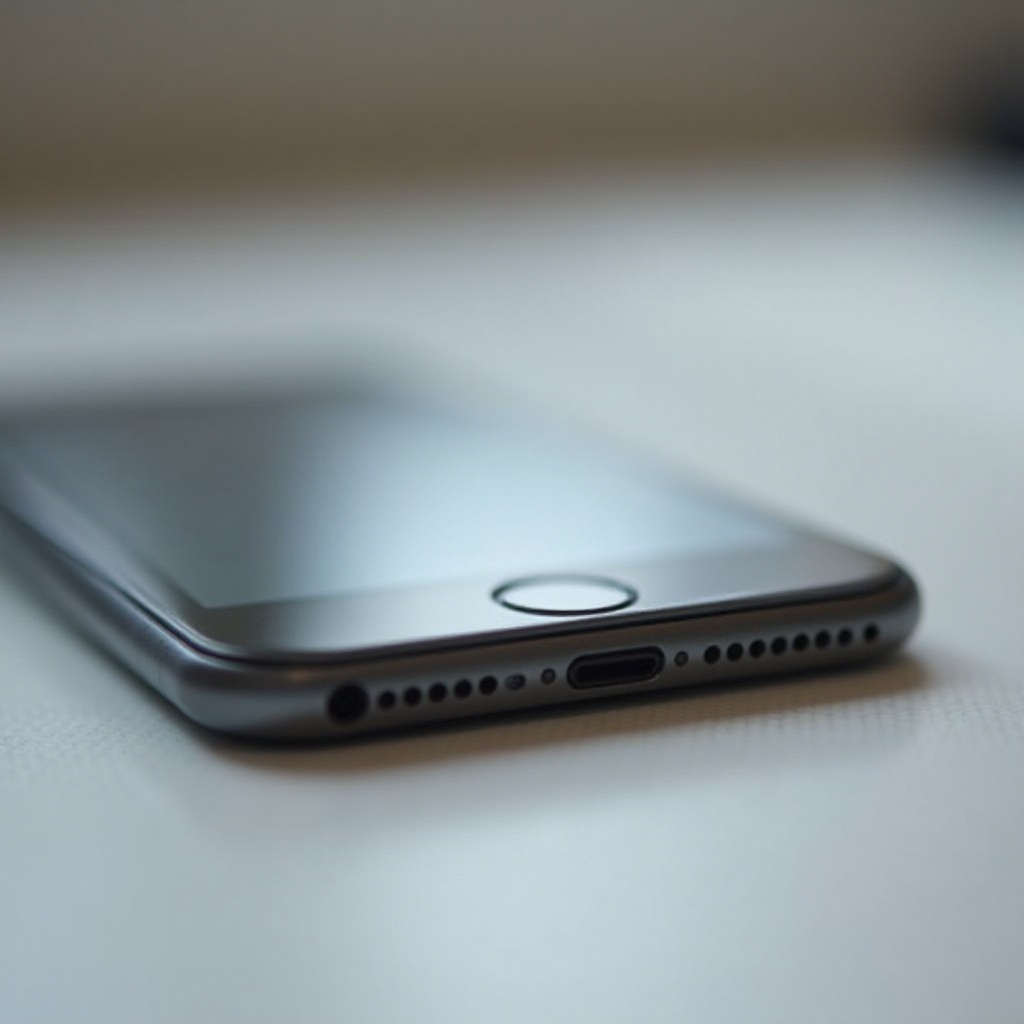
The Risks of Water in Your iPhone Charging Port
Understanding the risks associated with water in your iPhone’s charging port is crucial for timely action. The immediate concern is the potential for short circuits, which can lead to malfunctioning batteries, connectivity problems, and, in severe cases, irreversible damage. Water exposure can also invite corrosion over time, complicating repair efforts. Knowing these risks encourages prompt action to minimize harm, leading us to the immediate steps you should take.
Initial Steps to Take When Water Gets Inside
The moment you suspect water has intruded into your iPhone’s charging port, taking fast and efficient steps is critical.
- Turn Off Your iPhone Immediately: This prevents electrical activity that could cause a short circuit.
- Remove Accessories and SIM Card: Disconnect all accessories and pop out the SIM card to protect your data.
- Gently Shake Out Excess Water: Carefully shake your iPhone to expel any visible droplets, preventing them from penetrating deeper into the device.
These preliminary actions lay the groundwork for effective drying strategies that can help restore your phone to optimal performance.
Effective Drying Techniques
Drying your iPhone thoroughly is crucial for recovery. Opt for these safe and effective methods:
- The Rice Myth: It’s a common misconception that placing your device in rice is beneficial. This can introduce dust and particles into your phone, causing more harm than good.
- Air Drying and Using a Fan: Place your phone in a ventilated area, or use a fan to blow gentle air into the charging port, speeding up evaporation.
- Utilizing Silica Gel Packets: Silica gel is excellent at absorbing moisture. Enclose your iPhone in a container with several packets to accelerate drying.
While these techniques are effective, there are circumstances where professional intervention becomes necessary for your iPhone’s health.

When to Consult a Professional
When home remedies fall short, professional repair should be considered. Signs that professional help is warranted include:
- Symptoms of Persistent Damage: If your iPhone refuses to turn on, exhibit charging issues, or display screen distortions, it’s time to visit a certified repair service. Persistent problems might indicate underlying damage that requires expert attention.
- Finding a Trusted Repair Service: Opt for services with solid reputations in water damage repair. Experienced technicians armed with specialized tools can efficiently resolve these issues.
Let’s move on to how you can prevent future occurrences of water damage.
Preventive Measures to Avoid Future Water Damage
Prevention is far better than costly repairs. Adopt these measures to keep your phone safe:
- Investing in a Waterproof Case: Provides an extra layer of safety. Choose brands with credible user reviews for reliable protection.
- Safe Practices Near Water: Refrain from using your phone near swimming pools, sinks, or in the rain. Vigilance is vital in keeping your device secure.
- Accessories like Charging Port Plugs: Consider using port plugs to shield the charging area from water ingress and debris.
Incorporating these preventative strategies helps ensure your iPhone remains unaffected by water, maintaining its functionality and longevity.

Conclusion
Dealing with water in your iPhone’s charging port demands quick action, reliable drying methods, and occasionally, professional intervention. Recognizing the risks and implementing preventative measures empowers you to protect your device from potential damage, ultimately enhancing its lifespan. Be proactive and informed to avoid unnecessary repairs and extend the value of your cherished iPhone.
Frequently Asked Questions
Can I charge my iPhone if there’s water in the charging port?
No, ensure the charging port is completely dry before charging to avoid short circuits and further damage.
How long should I wait before charging my iPhone after getting it wet?
It’s advisable to wait at least 24-48 hours to ensure the charging port is thoroughly dry before charging.
Does AppleCare cover water damage for iPhones?
AppleCare typically does not cover water damage as it’s considered accidental. However, check your plan details with Apple Support for specific coverage.