Best Microphones for Video Recording on Laptops in 2024
Introduction
Producing high-quality video content requires not only good visuals but superior audio as well. While laptops come with built-in microphones, these often do not meet professional standards and can compromise your video’s overall quality. External microphones are therefore essential for anyone looking to enhance their content’s sound quality significantly.
In this guide, we’ll delve into why having excellent audio is crucial and introduce you to the leading microphones for laptops available in 2024. Whether for creating online tutorials, hosting webinars, or engaging in virtual meetings, a good microphone can make all the difference.
Why Audio Quality Matters in Video Recording
Understanding the role audio quality plays in video production is essential if you wish to engage your audience effectively. High-standard sound elevates the viewer’s experience, allowing them to focus on your message without distractions. Let’s explore further why audio is as important as video.
-
The Impact of Poor Audio on Viewer Experience: Poorly captured audio can detract from any video’s professionalism, often causing viewers to switch off. Echoes, background noise, and low volume are typical issues that can alienate your audience.
-
Advantages of Using an External Microphone: External mics provide a solution, offering better sound capture and clarity. They can filter out background noise and focus more accurately on the intended audio source.
By focusing on improving your audio, you not only hold your audience’s attention better but also convey your message clearly, forming a solid connection with your viewers. This understanding will guide us as we examine the types of mics available for laptops.
Types of Microphones for Laptops
Choosing the right type of microphone for your specific needs involves looking at the various options available on the market. The choice depends not only on the kind of content you are producing but also on personal preference. Here’s a closer look at the main types:
-
USB Microphones: These are highly convenient due to their plug-and-play nature, making them an excellent choice for anyone looking for ease of use. They are versatile and suitable for most recording needs.
-
Lavalier Microphones: Small and clip-on, lavalier mics are perfect for interviews or situations where the user needs to be hands-free. They’re commonly used in conferences, interviews, or public speaking events.
-
Shotgun Microphones: Designed to be highly directional, these mics are perfect for recording in environments where ambient noise needs to be minimized. Shotgun microphones effectively pick up the sound directly in front of them while ignoring sounds from other directions.
-
Condenser Microphones: Known for their sensitivity and wide frequency response, condenser mics are ideal for studio-quality recordings. They can capture more detail, making them perfect for music or voice-over work.
Understanding these options helps tailor your choice to your needs, ensuring the highest audio quality possible, as highlighted through our top microphone selections.
Top Microphones for Laptops in 2024
Navigating the countless options available in 2024 can be challenging, so we’ve narrowed it down to the top microphones that deliver superior quality for laptop video recording:
-
Microphone A: Overview and Features: This USB microphone provides excellent sound clarity and is user-friendly, making it ideal for both beginners and professionals.
-
Microphone B: Overview and Features: A top choice in the lavalier category, Microphone B offers compactness without sacrificing sound quality, perfect for dynamic and outdoor settings.
-
Microphone C: Overview and Features: As a leading condenser microphone, Microphone C promises studio-level audio capture, perfect for those seeking to record music or professional voiceovers.
Selecting from these top choices ensures elevated audio quality for your recordings. Let us now guide you through setting up your new microphone effectively.
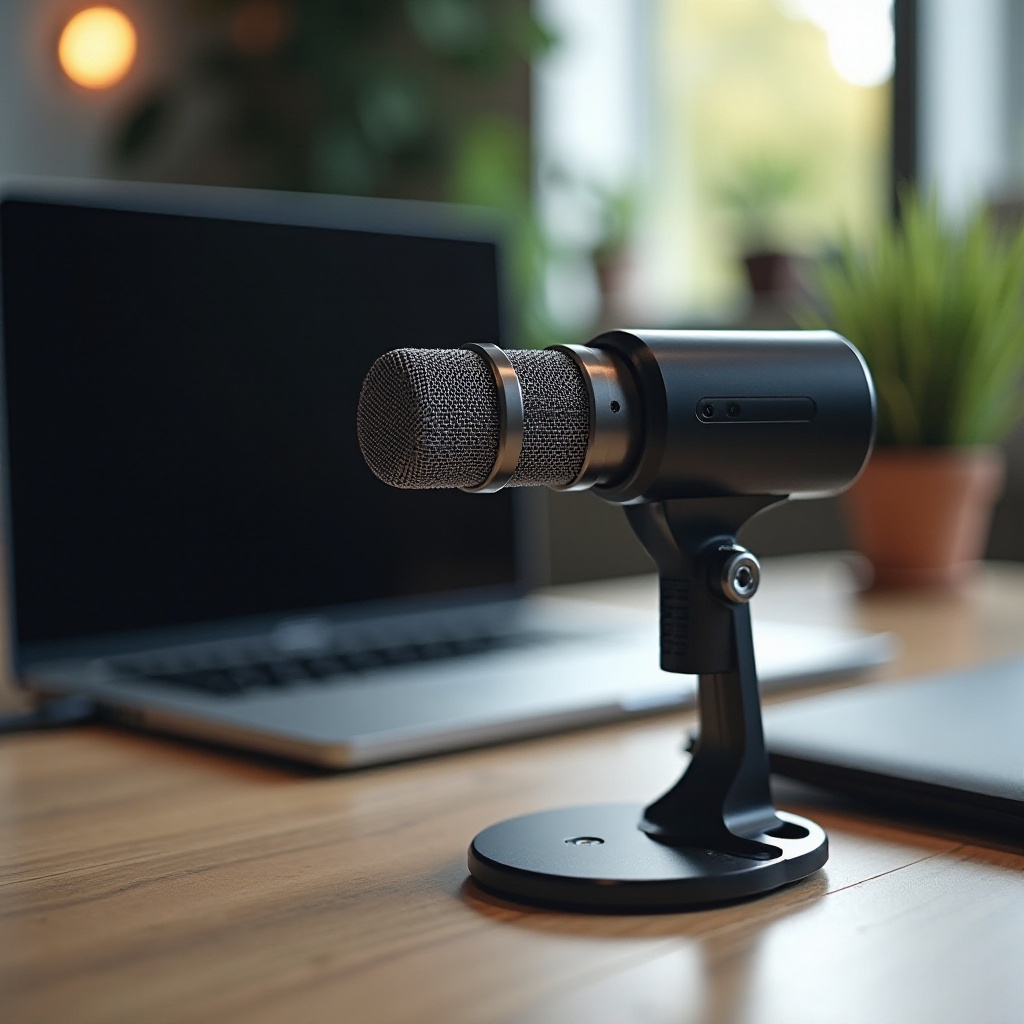
Setting Up Your Microphone for Optimal Performance
A well-set-up microphone is key to capturing the best audio possible. While the actual setup can vary depending on the microphone type, here are some general steps to follow:
-
Connecting to Your Laptop: Most microphones will easily connect to your laptop via USB for immediate setup. Ensure you follow the manufacturer’s provided guidelines and update any necessary drivers.
-
Adjusting Sound Settings: After connecting, verify your microphone is selected as the laptop’s input device via device settings. Test different volume levels to determine what works best for your recording needs.
A correct setup helps maximize your microphone’s capacities, enhancing your recordings. After setup, some additional steps can be taken to further improve your audio quality.
Tips to Enhance Audio Quality during Recording
Even with an optimal setup, there are several strategies you can use to enhance your audio’s clarity and quality:
-
Reducing Background Noise: Record in a quiet environment and use software that reduces ambient noise. Close windows, turn off fans, and eliminate other noise sources in the area.
-
Using Pop Filters: A pop filter can greatly improve sound quality by minimizing plosive sounds. They are an inexpensive way to enhance your overall audio.
Implement these tips, and the audio quality of your videos will reflect a highly professional edge, keeping your audience engaged and your content compelling.
Conclusion
Upgrading to a high-quality microphone tailored to your specific needs will dramatically improve your video recording experience on a laptop. With these audio enhancement strategies and a thoughtfully selected microphone, your recordings will stand out for their professional sound quality, leading to more engaged viewers and better content delivery.
Frequently Asked Questions
How do I connect an external microphone to my laptop?
Most microphones can be connected via USB or an audio interface. Ensure any necessary drivers are installed for detection.
What type of microphone is best for laptop video recording?
USB microphones are versatile, lavalier microphones are great for mobility, and condenser microphones are ideal for studio-quality recordings.
Can I improve audio quality without buying a new microphone?
Yes, use noise-cancelling software, optimize your recording environment, and employ pop filters to enhance sound quality.