Onkyo Receivers Troubleshooting: 2024 Guide to Fix Turntable No Sound, Hum, and Distortion
Introduction
Vinyl should sound full, quiet, and alive. If your record player into an Onkyo receiver delivers silence, hum, or harsh distortion, do not panic. You can solve most problems in minutes by checking connections, matching the right inputs, and setting the receiver correctly. This Onkyo receivers troubleshooting guide focuses on record players and covers the fixes that work today on current models. You will learn how to choose the proper path for phono or line outputs, ground your system, and use Onkyo menu options that are easy to miss. Then you will confirm the turntable is set up to track cleanly and isolate the fault if issues remain. Start with quick checks, then move step by step. Up next are fast wins that fix common mistakes before deep dives.
Quick Checks Before You Dive In
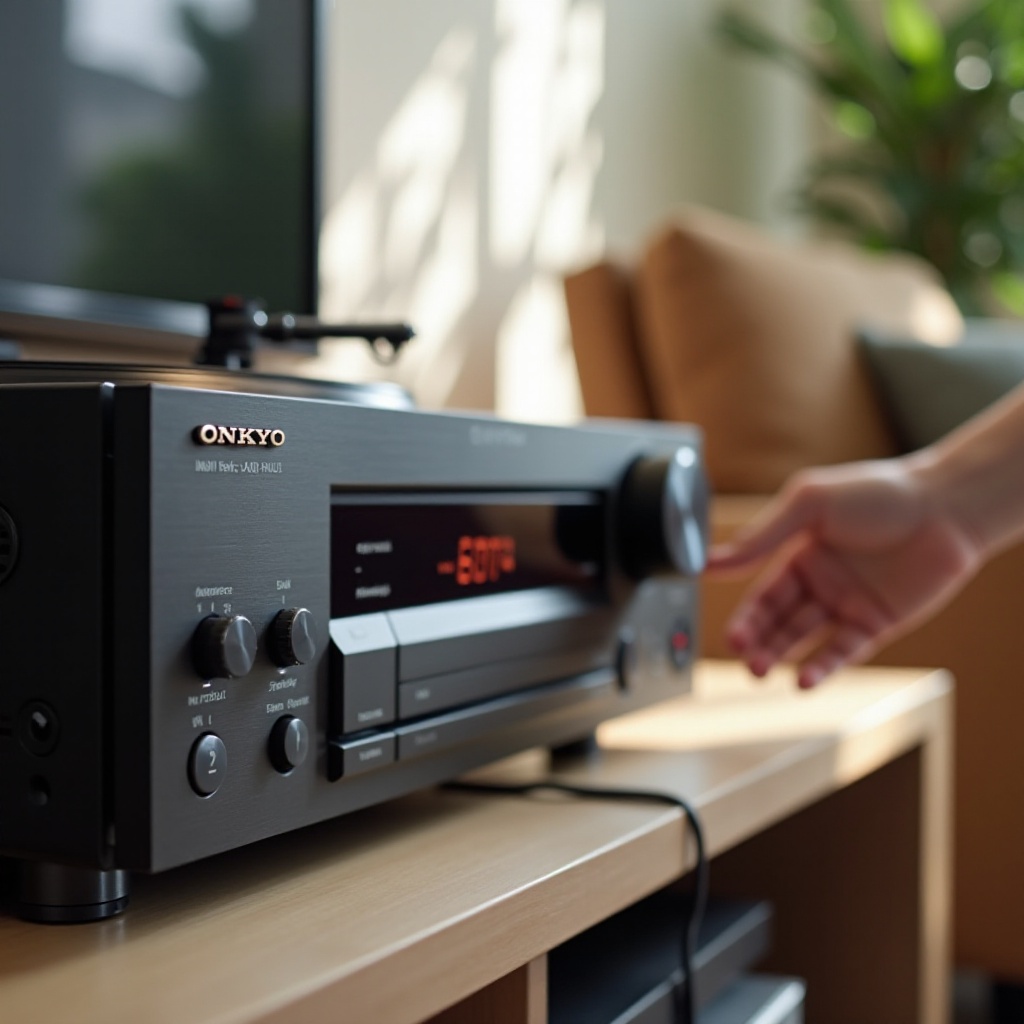
Before changing cables or menus, confirm the basics that catch most issues:
– Select the input you actually used: PHONO for a phono output, or a line input for line level.
– Raise volume, disable MUTE, and enable the correct Speaker A or B set.
– Remove headphones; many models mute speakers when the jack is in use.
– Turn Tape Monitor off and ensure the source is not routed to Zone 2 or 3 only.
– Lower the cue lever so the stylus touches the record.
– Seat RCA plugs fully: red is right, white is left.
If audio still fails or sounds wrong, identify your equipment so the next steps match your exact setup. The next section helps you map your gear and its outputs.
Know Your Gear: Onkyo Model, PHONO Input, and Turntable Type
Each Onkyo model offers specific inputs and menu options. Note the full model name and look for a PHONO input and GND post. Most Onkyo PHONO jacks support moving magnet cartridges. If you run a moving coil cartridge, use an MC-capable external preamp and feed a line input. Now check the turntable. Some decks output PHONO level and need a preamp. Others include a switchable preamp that provides LINE level. Confirm the switch position and your cartridge type. A correct match prevents low volume and overload. With your gear identified, you can connect it the right way and avoid the most common signal path mistakes. Next, we wire the turntable and receiver properly.
Connect It Right: PHONO vs LINE, External Preamps, and Grounding
Correct connections fix most problems fast:
– Turntable with PHONO output:
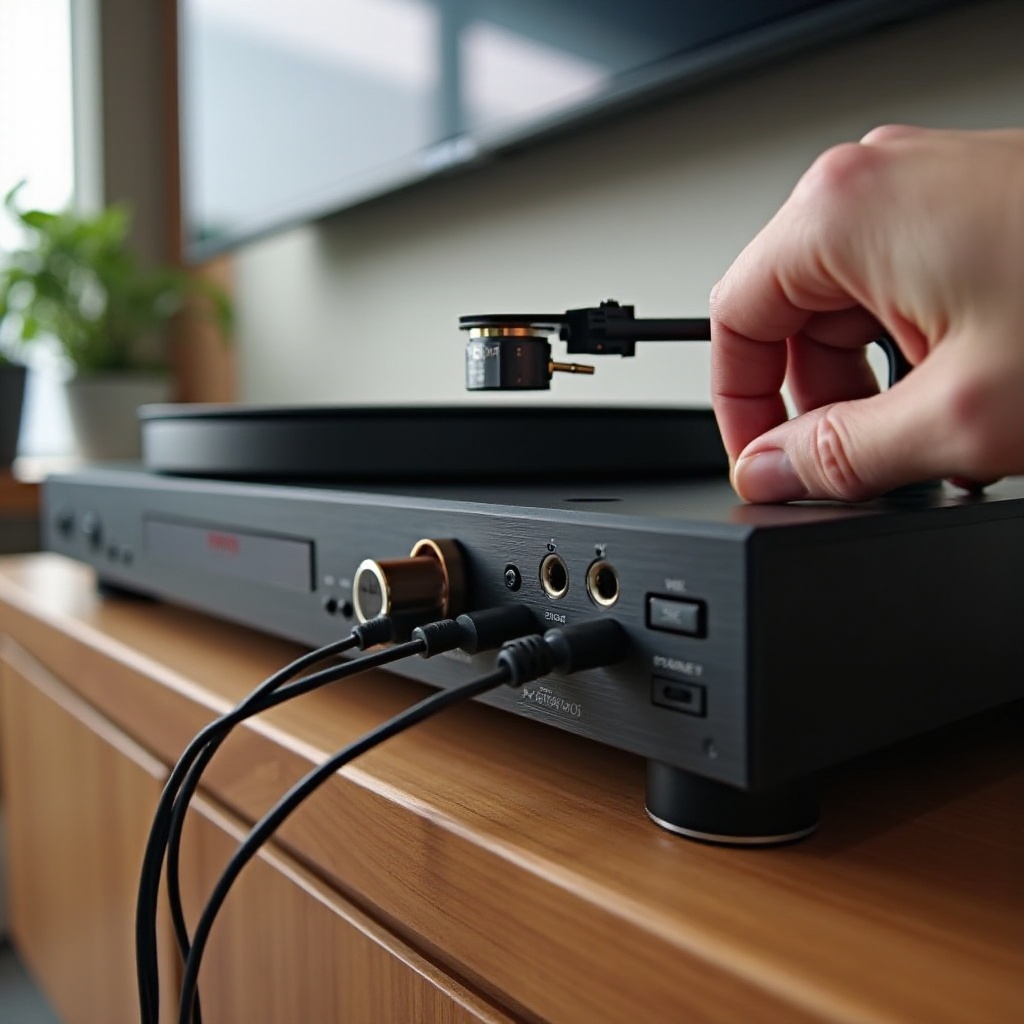
1) Connect RCAs to the receiver PHONO input.
2) Attach the turntable ground wire to the GND post.
– Turntable with internal preamp set to LINE:
1) Connect to a line input such as CD, AUX, or GAME.
2) Do not use the PHONO input, or the sound will distort.
– Using an external phono preamp:
1) Turntable to preamp PHONO in and ground to the preamp.
2) Preamp output to a receiver line input.
3) Ground at a single point to avoid loops.
Keep RCAs short and away from power cords and routers. If your connections are correct yet problems remain, target the symptom directly. We will start with no sound and move through low level, distortion, and noise.
No Sound from Your Record Player on an Onkyo Receiver
Follow this sequence to find silence quickly:
1) Confirm the selected input matches the physical connection: PHONO for phono, the exact line input for line level.
2) Raise volume, turn off MUTE, and enable the correct Speaker set.
3) Unplug headphones; check the front panel for a headphone icon.
4) Disable Tape Monitor and ensure the main zone is active.
5) Reseat RCAs and try a different RCA pair to rule out a bad cable.
6) Check the turntable preamp switch. If set to LINE, use a line input. If set to PHONO, use PHONO.
7) Set the Onkyo Audio Selector for that input to Analog.
8) Test another source on the same input. If that works, the issue is upstream at the turntable or preamp.
If sound returns but is weak or odd, you likely have a level mismatch or loading issue. The next section addresses low volume and thin tone.

Low Volume or Thin Sound from Vinyl Playback
Low, wispy sound points to the wrong input path:
– PHONO output into a line input will be quiet and thin. Move the RCAs to the PHONO input or add an external phono preamp.
– LINE output into PHONO creates loud distortion, not low level. Double check the turntable switch.
– Use small IntelliVolume boosts on line inputs to match overall levels.
– MM cartridges suit Onkyo PHONO stages. MC cartridges need an MC-capable preamp into a line input.
– Confirm balance and speaker polarity.
If output is strong but sounds harsh or compressed, the phono stage may be overloading. The next section shows how to remove distortion and regain headroom.
Distortion or Overload When Playing Records
Distortion means too much gain or the wrong input:
– Do not feed LINE output into PHONO. Move the turntable to a line input or disable the internal preamp.
– Do not send an external preamp into PHONO. Use a line input so RIAA equalization is not applied twice.
– MC cartridges into an MM-only PHONO input can clip and sound bright or gritty. Use an MC preamp and a line input.
– Reduce IntelliVolume if it is set aggressively.
– Try Stereo, Direct, or Pure Audio to bypass extra processing.
If distortion remains, the stylus may be worn or the tonearm is not set correctly. We will set VTF and anti-skate shortly, but first quiet the background by fixing hum and buzz.
Hum, Buzz, and Ground Loops with Onkyo Receivers
Hum often means a ground path problem; buzz hints at interference:
– Connect the turntable ground to the Onkyo GND post when using PHONO.
– Ground once. With an external preamp, ground at the preamp or the receiver, not both.
– Separate signal and power. Route RCAs away from AC cords, power strips, wall warts, and routers.
– Plug the receiver and turntable into the same quality power strip to reduce loop potential.
– Try Direct or Pure Audio to limit digital noise inside the chassis.
– Identify the noise: a steady 50 or 60 Hz hum suggests ground; a sharp buzz suggests interference; random crackle suggests a bad contact or static.
– Swap RCAs and try another outlet or power conditioner. Avoid daisy-chained strips.
If noise remains even after clean grounding and cable swaps, check each channel for consistency. Channel-specific issues point to cartridge leads, cables, or oxidized contacts.
Channel Imbalance, Dropouts, or Crackle
When left and right do not match, trace the fault:
– Swap the RCA plugs left to right at the receiver. If the issue moves, the problem is upstream.
– Reseat the headshell leads and inspect for oxidation. Tighten gently.
– Clean RCA jacks and plugs with contact cleaner.
– Check receiver balance and speaker wire polarity.
– Replace suspect RCA cables.
Once both channels work, lock in receiver settings to avoid silent inputs or digital auto selection that mutes analog.
Receiver Settings That Matter: Audio Selector, Input Assign, Listening Modes
Onkyo menus can block analog if set wrong. Confirm these items:
– Audio Selector: set the turntable input to Analog. Auto may choose a silent digital source.
– Input Assign: make sure your chosen input is not reassigned to HDMI or optical.
– Tape Monitor: off, unless you are actively monitoring a tape loop.
– Listening Mode: choose Stereo, Direct, or Pure Audio for the cleanest path.
– IntelliVolume: use small trim to level match without clipping.
– Speaker Configuration: verify fronts are set as Large or Small as needed and active for the main zone.
With the receiver dialed in, verify the turntable mechanics so the cartridge tracks cleanly at the correct force. Setup errors can mimic electronics faults.
Turntable Setup That Affects Troubleshooting: VTF, Anti-skate, Stylus
Mechanical setup drives clarity and channel balance:
– Set Vertical Tracking Force with a scale to the cartridge maker range.
– Match Anti-skate to VTF for even channel pull and less inner groove distortion.
– Align the cartridge with a protractor to reduce sibilance and edge distortion.
– Inspect the stylus. A dirty or worn tip causes mistracking and noise. Clean with a stylus brush and replace when worn.
– Level the turntable and secure the headshell.
If setup is correct and issues persist, isolate the fault with controlled tests. The next section shows simple moves that reveal whether the turntable, preamp, cables, or receiver is at fault.
Testing and Isolation: Swap Inputs, Bypass Phono, Reset or Update
Use these steps to pinpoint the bad link fast:
1) Move the turntable from PHONO to a line input and toggle the turntable preamp switch. If audio appears only with the internal preamp on, suspect the receiver phono stage.
2) Try a known good source on the same input. If it works, the issue is the turntable, preamp, or cables.
3) Swap RCAs end to end and side to side to see if the problem follows a cable.
4) Test an external phono preamp into a line input to bypass the receiver phono stage.
5) Perform a receiver factory reset if menus act odd, then reapply settings.
6) Update firmware if your model supports it, then retest.
If tests point to hardware, you can often fix it with a cable change or an external preamp rather than a full repair. The next section explains when to repair and when to replace.
Repair or Replace: Signs of Faulty Phono Stage or Cables
Suspect a failing phono stage or cable when you see these:
– PHONO input is silent while other analog inputs work, after menu and cable checks.
– Loud hum only on PHONO despite correct single-point grounding.
– Intermittent crackle that changes as you wiggle the RCA plugs.
– One channel missing on PHONO that does not move when you swap left and right upstream.
Replace RCA cables first; they are cheap and often guilty. If the receiver phono stage fails, an external phono preamp into a line input is a fast, cost-effective workaround with excellent sound. If needed, compare service quotes to the price of a quality preamp to decide the best path.
Conclusion
Most vinyl playback issues on Onkyo receivers come from a short list of causes: wrong input path, a missed menu setting, poor grounding, or basic turntable setup. Now you have a simple plan to fix them. Verify connections, choose Analog for the input, ground once, and keep RCAs clear of power cords. Set VTF and anti-skate correctly. Use isolation tests to locate the exact fault, then repair the cable, adjust the setting, or add an external preamp as needed. Follow these steps and your records will play with quiet backgrounds, clean dynamics, and the engaging sound you expect from your system.
Frequently Asked Questions
Why is there no sound from my turntable on the PHONO input of my Onkyo receiver?
Check PHONO vs LINE on the turntable, confirm the receiver input selection, turn Tape Monitor off, and set Audio Selector to Analog. If the table is set to LINE, move the RCAs to a line input. If set to PHONO, use PHONO and attach the ground wire. Unplug headphones and enable the correct speaker set.
How do I connect a turntable to an Onkyo receiver that does not have a PHONO input?
Use a turntable with a built-in preamp set to LINE and connect to a line input, or add an external phono preamp. The chain is turntable to preamp, then preamp output to a receiver line input. Ground at one point only and set the input to Analog with a simple listening mode.
How can I eliminate hum when my record player is connected to my Onkyo receiver?
Use the GND post with PHONO, keep RCAs away from AC cords, and plug the table and receiver into the same power strip. If you use an external preamp, ground either to the preamp or the receiver, not both. Swap cables, try Direct or Pure Audio, and test another outlet if the hum remains.