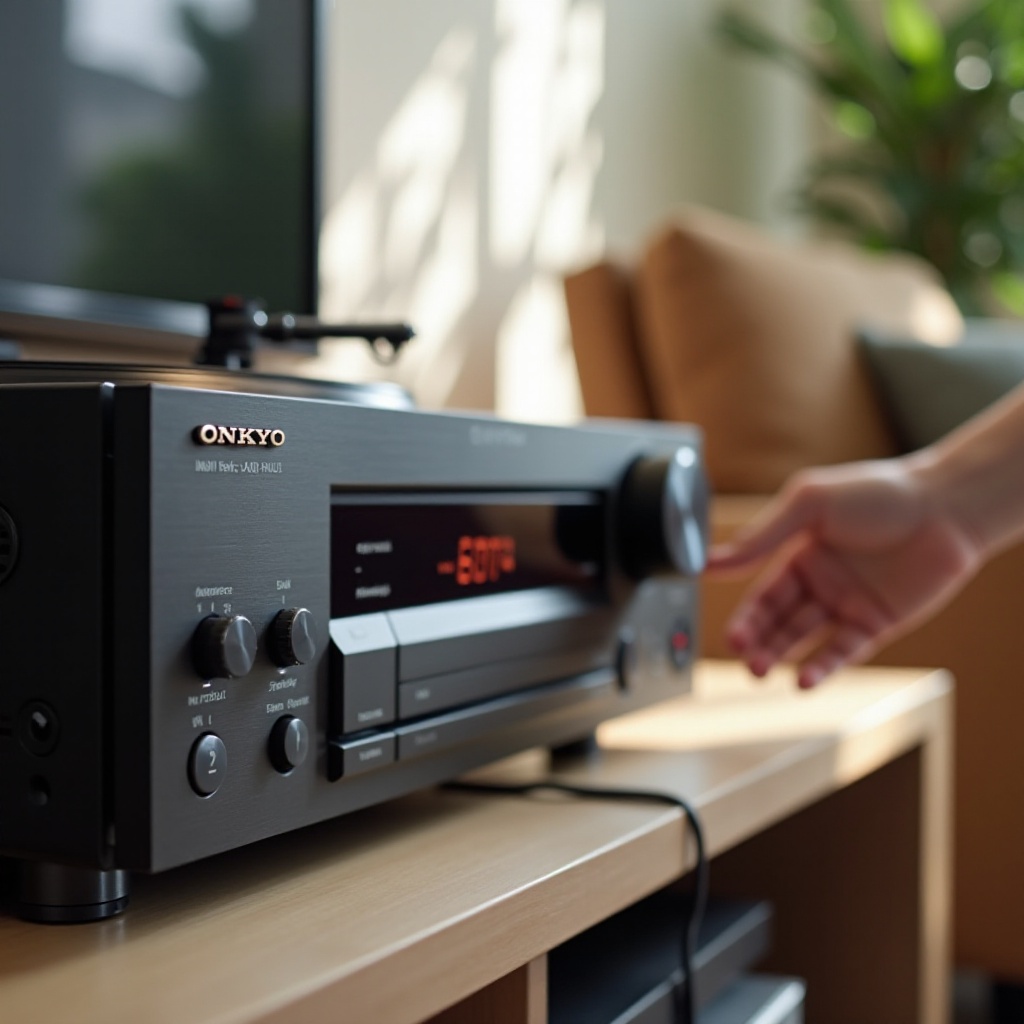
Radio Won’t Turn On in Car? Step-by-Step Car Stereo Troubleshooting Guide
Introduction
Your car stereo stays dark, the speakers stay silent, and pressing the power button does nothing. Stay calm. Most no‑power faults trace back to a handful of simple causes: a blown fuse, a missing accessory signal, a weak or broken ground, or a security lock that looks like a dead unit. With a few careful checks, you can find the fault, fix it, and avoid paying for guesswork. This guide walks you from the easiest wins to deeper electrical tests, using clear steps you can follow at home. We start with quick checks, then move into power and ground basics, fuse inspections, and harness testing. From there, we cover ignition circuits, anti‑theft locks, aftermarket wiring pitfalls, and factory system quirks. Finish with fixes, pro tips, and preventive steps to stop the problem from coming back.

Quick Checks Before You Grab Tools
Start with fast wins that often resolve a dead radio in seconds. These steps also set you up for accurate testing later.
- Key position: Turn the ignition to ACC or ON. Many vehicles power the radio only in those positions.
- Volume, mute, and dimmer: Raise volume, unmute, and adjust the dimmer and display brightness. A dimmed screen can look like a dead unit.
- Source selection: Switch to a known‑good source such as FM or Bluetooth. A bad input can mimic a power fault.
- Detachable faceplate: If your head unit has one, remove and reseat it. Clean the contacts with isopropyl alcohol and a cotton swab.
- Soft reset: Look for a small reset button or use the unit’s reset procedure. Hold for 5 to 10 seconds.
- Battery condition: If the engine cranks slowly or lights dim, charge or replace the battery. Low voltage can prevent the radio from booting.
If none of these bring the unit back, you have ruled out the simple mistakes. Next, understand how the radio expects power so your tests target the right wires.
Power and Ground Basics: How a Car Radio Gets Electricity
A modern head unit relies on three electrical pillars: constant 12 volts for memory (often called B+), switched 12 volts from the ignition or accessory circuit (ACC), and a clean, low‑resistance ground. B+ keeps presets and clock alive. ACC tells the radio when to power up. Ground completes the circuit and stabilizes noise and voltage. If any of these three drop out, the radio may stay blank or power cycle.
You will confirm each leg in the next steps. Before you probe wires, inspect the fuses that feed these circuits. A blown fuse is the most common and easiest fix.
Check the Radio Fuses and In‑Line Fuse First
Before removing the head unit, check the fuse panels. Most vehicles include a radio or audio fuse in the interior panel and sometimes another in the under‑hood box. Use the lid map or owner manual to locate fuses marked as radio, audio, infotainment, or ACC.
1) Pull the suspect fuse with a puller or needle‑nose pliers.
2) Inspect the metal link. If it is broken or scorched, the fuse is blown.
3) Replace with the exact same amp rating. Never upsize a fuse to stop it from blowing.
Aftermarket radios often include an in‑line fuse holder on the yellow constant 12V lead behind the dash. Open the holder and check that fuse as well. If a replacement fuse blows right away, stop. That points to a short to ground or a pinched wire. You will need to inspect the harness and routing before continuing. With fuses in good shape, it is time to test the power and ground at the radio’s harness.
Test Voltage and Ground at the Stereo Harness
Fuse checks confirm upstream protection, but you still need to verify that the head unit is actually receiving B+, ACC, and ground at its connector.
- Tool: Use a digital multimeter set to DC volts. A test light can work for quick checks but gives less detail.
- Constant 12V: Back‑probe the yellow wire on aftermarket harnesses or the pin labeled B+ on diagrams. Reference the black ground wire or a bare chassis point. Expect a reading near battery voltage.
- Accessory 12V: With the key in ACC or ON, back‑probe the red wire (aftermarket) or the ACC pin. You should read near battery voltage only when the key is on.
- Ground: Switch the meter to ohms with the battery disconnected or keep it on volts and check for minimal voltage drop between the black ground wire and a known good chassis ground. Ground should show very low resistance and minimal drop under load.
Findings guide your next move. No B+ means the memory feed is open or shorted. No ACC means the ignition or accessory circuit failed. Poor ground causes weird behavior and intermittent no‑power complaints. If B+ and ACC are both missing at the harness despite good fuses, the fault lies in the wiring between the fuse box and the radio or in a control module.
Ignition/ACC Power, Accessory Relays, and RAP Behavior
If ACC voltage is missing while fuses look fine, consider the ignition switch, accessory relay, or a retained accessory power feature. Many cars keep the radio alive until you open a door; that behavior comes from a control module. A failing switch or relay can block ACC power entirely or make it intermittent.
Test the ACC wire with the key in ACC and again in ON. If both positions show zero volts but the ACC fuse has power, trace the circuit to the switch or module. Listen for a faint relay click when turning the key; silence can hint at relay failure. If ACC voltage appears briefly then drops, suspect RAP logic or a module fault. With ignition paths checked, separate true no‑power from a locked head unit that only needs a code.
Anti‑Theft Lock Screens vs True No‑Power
Do not mistake a security lock for a dead radio. After battery service, many factory radios request a security code. Signs include prompts like code, safe, or a blinking indicator. That means the unit has power but refuses to play until you enter the correct code.
Find the code in the owner manual packet, on a glovebox card, or via the maker’s portal using VIN and radio serial. Enter the code exactly as instructed. If the display is completely blank and never shows prompts, you are still dealing with a power or ground issue. Once you rule out a lock condition, turn your attention to how the radio is wired, especially if it is an aftermarket head unit.
Aftermarket Install Pitfalls That Keep a Radio from Powering On
Aftermarket stereos add features but also introduce common wiring mistakes. The most frequent problems include:
- Wrong harness adapter: Using a universal adapter without the correct vehicle interface can leave ACC unconnected or misrouted.
- Misidentified power leads: Swapping B+ and ACC can cause memory loss, battery drain, or no turn‑on.
- Missing data interface module: Many newer vehicles use a data bus to provide accessory power and illumination. Without the proper module, the radio never receives a clean ACC signal.
- Poor splices: Twisted wires with tape, weak butt connectors, or cold solder joints create intermittent power loss.
- Remote lead confusion: The blue remote wire should trigger amps, not feed ACC. Misuse can backfeed and shut the radio down.
Compare the radio manual to the vehicle‑specific adapter diagram. Verify each connection, fix weak splices with quality crimps or solder and heat shrink, and secure the harness so vibration does not pull on terminals. If the car still uses the factory system, the problem might be upstream in the OEM chain.
Factory/OEM System Quirks That Mimic a Dead Radio
Factory audio systems often rely on separate amplifiers, data networks, and control modules. If the factory amp loses power, ground, or its wake signal, you may see lights on the radio but hear no sound, or the unit may refuse to initialize. Some vehicles route ACC and illumination through a body control module, which can block the radio if it detects faults.
Check for a dedicated amplifier fuse and confirm the amp’s ground. Inspect the amp connector for corrosion or water intrusion, especially in trunk‑mounted units. If the display flickers or the radio reboots, a data network issue may be at play. In that case, scanning the vehicle for body or infotainment codes can save time and prevent random part swaps. Whether factory or aftermarket, accurate measurements matter. That is where careful meter use comes in.
Using a Multimeter Safely for Basic Stereo Diagnostics
Meter readings allow you to prove what works and what does not. Follow safe habits while you test.
- Disconnect the negative battery cable if you remove the head unit or expose bare terminals.
- When probing connectors, back‑probe whenever possible to avoid piercing insulation.
- For voltage tests, keep the meter on DC volts. Compare your B+ and ACC readings to the actual battery voltage at the posts.
- Check voltage drop under load by turning on accessories and watching for large swings that point to weak grounds or resistance in the circuit.
- Record your readings. A clean set of notes makes it easier to spot patterns and discuss with a technician if needed.
Accurate measurements reveal whether the head unit is starving for power or if the problem lies inside the unit. If power and ground look perfect, suspect an internal fault.
When the Head Unit Itself Has Failed
Head units can fail internally even when supplied with clean power and ground. Common culprits include a blown internal fuse, a bad voltage regulator, dried or leaking capacitors, or a failed power amplifier IC. Symptoms may include a brief flash of backlight, faint clicks, or a chassis that runs hot and then shuts down.
Repair is possible, but unless the unit holds special value, replacement tends to be faster and more reliable. If you plan to keep the vehicle, consider a modern unit with updated features and better power management. Before you buy, finish basic fixes you can complete today.
DIY Fixes You Can Do Today
Work methodically and retest after every change so you know what solved the problem.
- Replace blown fuses with the correct rating and inspect the fuse seats for looseness or heat damage.
- Clean and reseat detachable faceplates and any inline connectors behind the radio.
- Re‑terminate weak splices with quality crimp connectors or solder and heat shrink.
- Add or refresh a chassis ground: scrape to bare metal, use a star washer, and tighten firmly.
- Secure the yellow B+ and red ACC feeds so they do not pull loose with vibration.
- Perform a hard reset using the unit’s procedure, then update firmware if the maker provides one.
- If protect mode is suspected, disconnect speaker leads and any external amp. Power the head unit alone and reconnect one circuit at a time.
If the unit consistently powers with speakers disconnected but shuts down when a specific channel connects, you have found a shorted speaker or wire.
When to Call a Pro or Consider Replacement
Bring in a professional if fuses keep blowing, voltages drop unpredictably, or the vehicle uses data‑bus power modules you cannot test. A qualified installer can access wiring diagrams, factory service information, and scan tools to read body and infotainment codes. That speeds up diagnosis and avoids damage to sensitive modules.
Consider replacement if your head unit shows multiple symptoms, buttons fail, the screen is unreadable, or the radio enters protect mode with no external cause. A modern replacement can add features like CarPlay, Android Auto, and better preamp outputs, while delivering more consistent power handling.

Preventive Tips to Avoid Radio Won’t Turn On Issues
A little prevention stops future headaches and protects your investment.
- Maintain the battery: keep terminals clean and tight. Use dielectric grease after cleaning.
- Protect grounds: ensure metal‑to‑metal contact, remove paint or rust, and use star washers.
- Use the right adapters: vehicle‑specific harnesses and data interfaces reduce wiring errors.
- Avoid flimsy connections: use proper crimp tools, quality connectors, or solder with heat shrink.
- Secure the harness: anchor wiring so it does not tug on terminals during bumps.
- Save memory: during battery service, record radio codes or use a memory saver tool.
- Match loads: do not overload the head unit with low‑impedance speakers; follow the spec sheet.
With good habits in place, your system will power up reliably every time you turn the key. If a fault does occur, the structured process in this guide will get you back to music quickly and safely.

Conclusion
Most radio no‑power problems come down to fundamentals: fuses, B+, ACC, and ground. Start with quick checks, verify fuses, and measure voltage at the harness. Separate a true no‑power fault from an anti‑theft lock, then evaluate aftermarket wiring and factory modules. Fix one variable at a time and retest so you build confidence in each step. If correct voltage and ground still do not revive the unit, plan for professional diagnosis or replacement. With a systematic approach, you can solve the issue without guesswork and enjoy a reliable stereo again.
Frequently Asked Questions
Why did my car radio stop working right after a battery change?
Battery service can trigger theft lock or upset memory power. Look for code or safe prompts, then enter the code. If the screen is blank, check fuses, then verify B+ and ACC with a meter.
My radio has power but shuts off immediately, what does that mean?
That behavior points to protect mode. Shorted speaker wires, a pinched harness, or an external amp fault can trigger shutdown. Disconnect speakers and amp one at a time and retest.
Which fuse controls the car radio and how do I find it?
Check interior and under‑hood panels for radio, audio, or ACC labels. Use the owner manual map. Test suspect fuses with a meter. Always replace with the same amp rating.