Understanding and Fixing a Dark TV Picture
Introduction
A high-quality, vibrant TV picture significantly enhances your viewing pleasure. However, when your TV’s picture appears dark, it can dampen the entire experience. This comprehensive guide walks you through common causes of a dark TV screen and offers practical solutions. Whether you are facing technical configuration issues or external factors like room lighting, learning how to adjust your TV effectively can make a remarkable difference in your viewing environment.
Common Causes of a Dark TV Picture
Understanding the reasons behind a dim TV picture is crucial to restoration.
-
Incorrect Picture Settings: Most TVs come with default factory settings that might not suit your specific ambiance. Parameters like brightness, contrast, and backlight are pivotal to picture clarity. If these are poorly configured, your screen can appear dark and uninviting.
-
Ambient Lighting and Reflection Issues: The illumination in your room greatly affects the TV’s perceived brightness. Natural daylight or artificial lights can cause reflections, creating a dull visual experience.
-
Aging or Faulty Display Technology: Over time, LCD and similar display technologies can deteriorate, leading to core brightness issues. Dimming backlights or faulty internal components are a common occurrence in older TVs.
Tackling these root causes involves a delicate balance of technical and environmental adjustments. Let’s move forward into the realm of tweaking your settings for optimum outcomes.
Adjusting Your TV Settings for Optimal Brightness
By honing your TV’s settings, you can achieve substantial improvements in picture brightness.
-
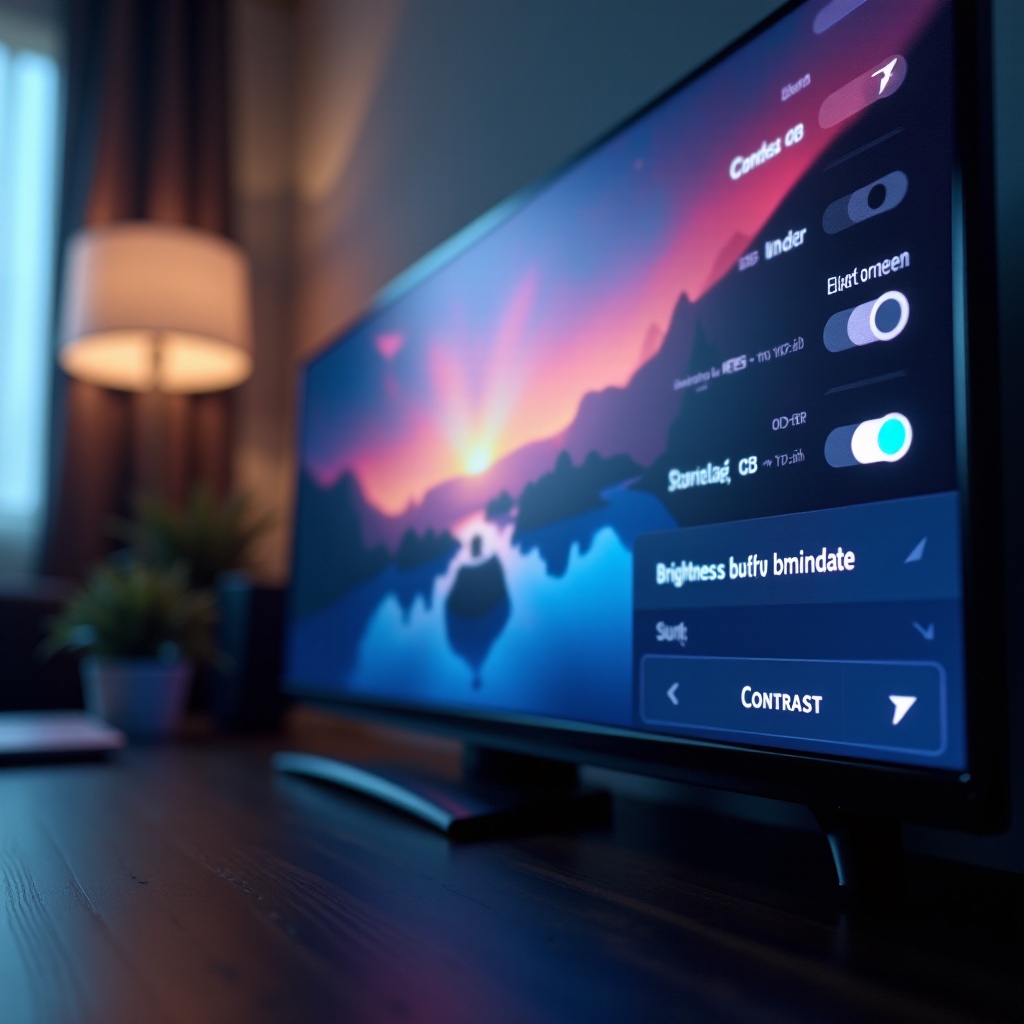
Accessing Picture Settings Menu: Navigate through the menu using your remote, often labeled under ‘Picture’ or ‘Display’. It’s the gateway to all custom settings.
-
Calibrating Brightness, Contrast, and Backlight: Carefully adjust the brightness to complement your room’s lighting conditions without washing out the picture. Enhance contrast settings for greater depth and definition, and increase backlight levels in well-lit rooms for a more vivid presentation.
-
The Impact of Picture Modes: TVs feature modes like ‘Standard’, ‘Movie’, and ‘Dynamic’, each offering varying balances of color and brightness. Experimenting with these modes can provide a favorable setting to align with your surroundings.
Fine-tuning these settings leads to immediate improvements, but room environment remains equally significant.
Environmental Factors Affecting TV Brightness
The ambiance where your TV resides can heavily influence its apparent brightness.
-
Impact of Room Lighting: The position and type of lighting inside your viewing room can obstruct your TV’s brightness. Shade your windows using curtains or blinds during the day, and select ambient lighting that minimizes screen glare.
-
Anti-Glare and Light-Blocking Solutions: Implementing anti-glare filters can diminish the reflective nature of screens, alleviating issues with reflections. Opting for blackout curtains can be particularly effective during sunlit hours.
With a tailored approach to your environment, deciding on professional input becomes easier.
When to Seek Professional Help or Consider Replacement
When tweaks and environmental changes fall short, a more seasoned perspective may be required.
-
Signs of Panel or Hardware Failure: If your TV struggles with persistent dimming, flickering, or an uneven display, hardware issues might be to blame. Engaging a certified technician can diagnose and potentially resolve technical faults.
-
Evaluating Repair vs. Replacement Costs: Weighing repair costs against the price of a new TV model may guide a more economical decision. Modern televisions boast superior brightness and efficiency, which might offset the initial outlay.
Making informed decisions about repairs ensures a satisfying and cost-effective viewing experience.
Conclusion
Achieving a bright, vibrant TV picture is vital for quality entertainment at home. Simple adjustments and learning to optimize your environment can vastly improve your screen’s performance. And if complications persist, professional advice remains invaluable for making informed, economical choices. Bright and clear TV viewing is attainable with just a few adjustments and considerations.
Frequently Asked Questions
Why does my TV picture change brightness automatically?
Automatic brightness adjustment adapts to ambient light levels. This feature can usually be disabled in your TV’s settings menu.
Can room lighting really make my TV picture dark?
Yes, excessive ambient light can cause screen glare, making the picture appear dull. Proper lighting management can enhance clarity.
What is the best picture setting for a bright room?
In bright rooms, use ‘Dynamic’ or ‘Vivid’ modes, increase the backlight, and avoid Eco/Power Saving settings for better brightness.